

FamiSafe: AI Parental Control
Shenzhen Wondershare Software Co., Ltd.FamiSafe: AI Parental Control combines screen-time schedules, app controls, location features, and AI-based alerts about potential online risks. Parents can configure rules for child profiles and review activity summaries.
Screenshots
About this app
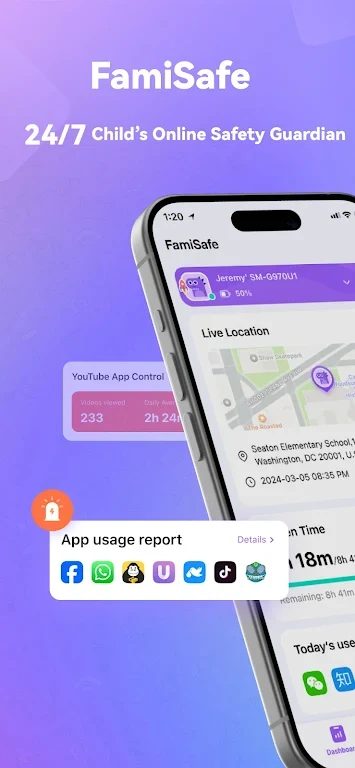
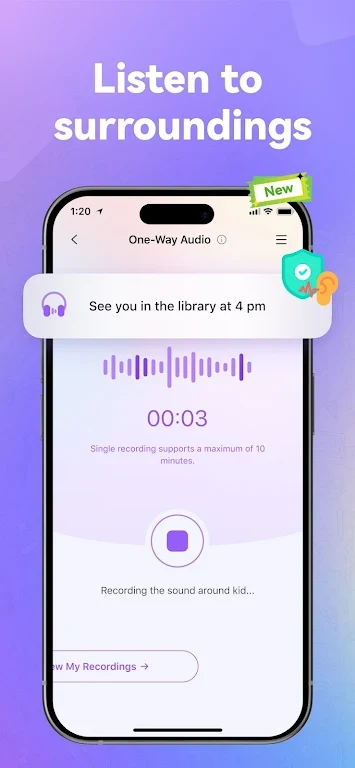
FamiSafe: AI Parental Control is an Android app for parents who want to manage children’s device use and receive alerts about potential online and location-related concerns. Its tools include screen-time limits, scheduled downtime, app restrictions, content detection, location tracking, and activity reports.
Screen time and app controls
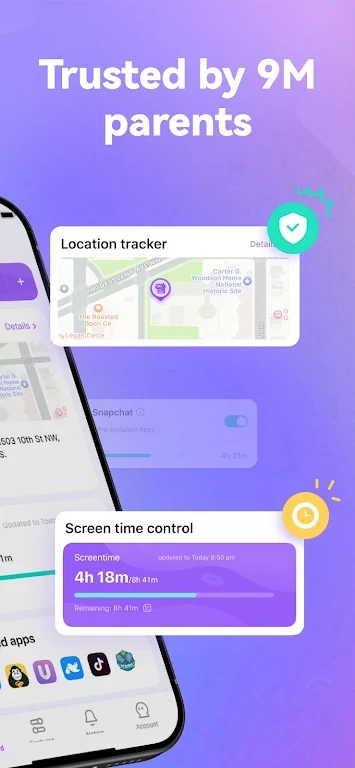
Parents can set daily screen-time limits, schedule downtime, or pause a device immediately. App controls can allow or restrict apps according to category, age rating, or time of day. Profiles and schedules let families apply different rules for each child, with the option to override rules for special occasions. Access levels can also be adjusted to provide temporary freedom or tighter controls.
Content alerts and activity reports
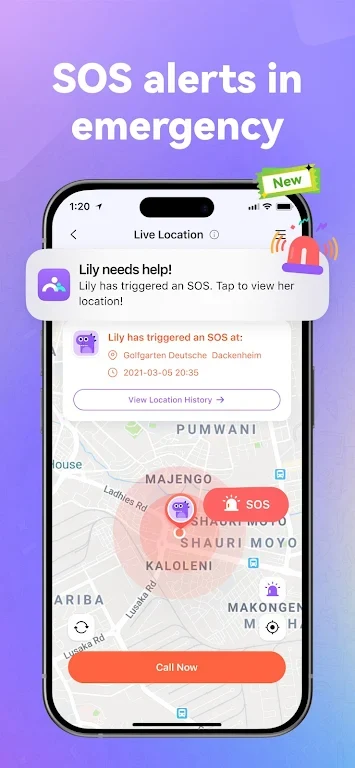
AI-based monitoring scans websites, messages, and images for possible risks. The app identifies potential concerns such as cyberbullying or explicit material, and can flag a sudden increase in screen time. Parents can select the sensitivity of AI monitoring and choose which notification types generate push messages, emails, or in-app logs. Alerts are intended to provide context for a parent to review rather than make decisions on the family’s behalf.
Reports summarize activity trends, including daily screen hours, commonly used apps, and recent alerts. These summaries give parents a way to review device activity and decide whether settings or household routines need attention.
Location features
Location tracking provides real-time location information, while geofencing can be used to define safe zones and receive related alerts. These tools are separate from the screen-time and content controls, so parents can choose which features to activate for their family.
Pairing and configuration
Setup uses a parent app and a child profile on the target device, connected with a code. Parents select the features to activate and configure relevant settings, including AI sensitivity and alert preferences. The app may request location, notification, and accessibility permissions for the features that use them. Its settings support tailoring controls and notifications to different children and routines.
Version history
View all15 Oct 2026 · stable