

OneCricket
Dodo CruzOneCricket is a non-betting cricket companion for following live matches through ball-by-ball commentary, full scorecards, fixtures, results, and player statistics. It also provides customizable alerts, searchable team and player information, favorites, historical match records, and cached recent data for short periods without a connection.
Screenshots
About this app
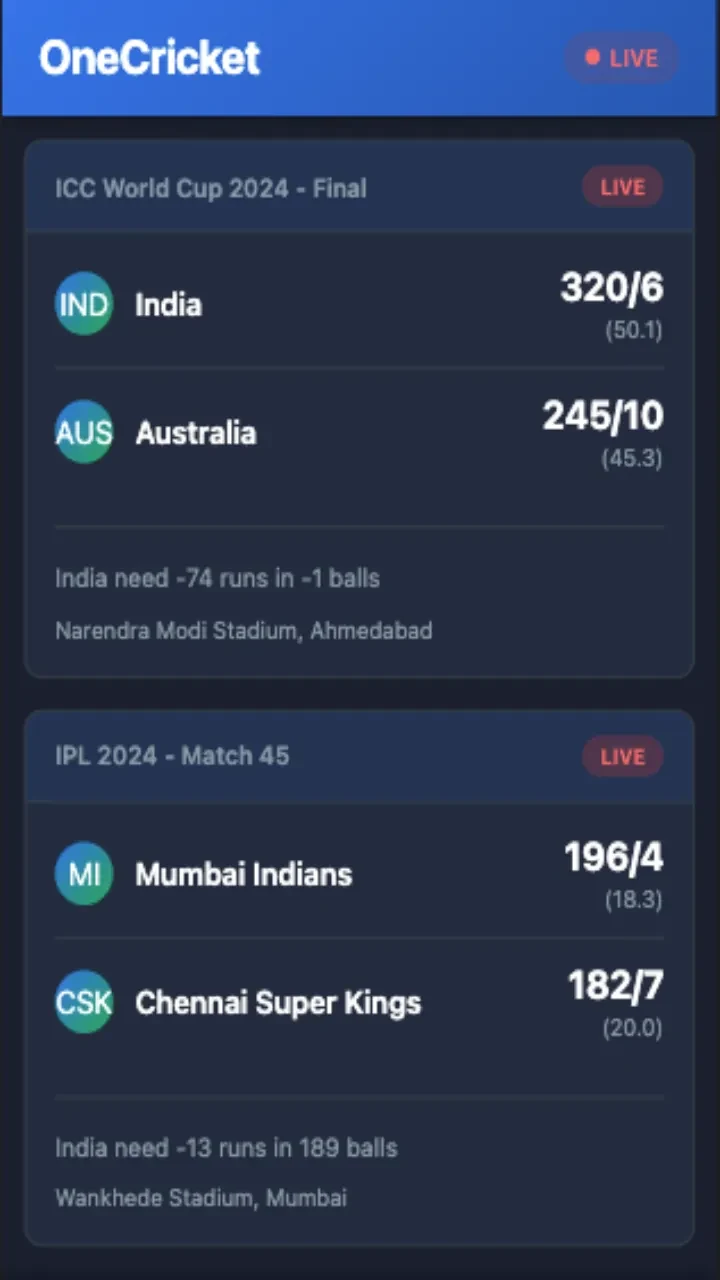
OneCricket is a non-betting cricket companion that provides live scores, ball-by-ball commentary, and player statistics for following matches on an Android phone or tablet. Its coverage is organized around live match information, with scorecards, fixtures, results, and related team and player details available in a focused interface.
Live match information
The main function is live match coverage through timestamped text commentary and continuously updated score information. Match pages show the current over, the batters at the crease, partnerships, and the developing state of the game. Full scorecards include batting, bowling, and fielding details, allowing users to move beyond the headline score and inspect the parts of an innings.
Commentary, scorecard, and statistics panels can be viewed through separate match-page options. Users can swipe between live matches and tap to expand a scorecard. This arrangement supports both quick checks and more detailed reading without treating the app as a game or betting service.
Fixtures, results, and match context
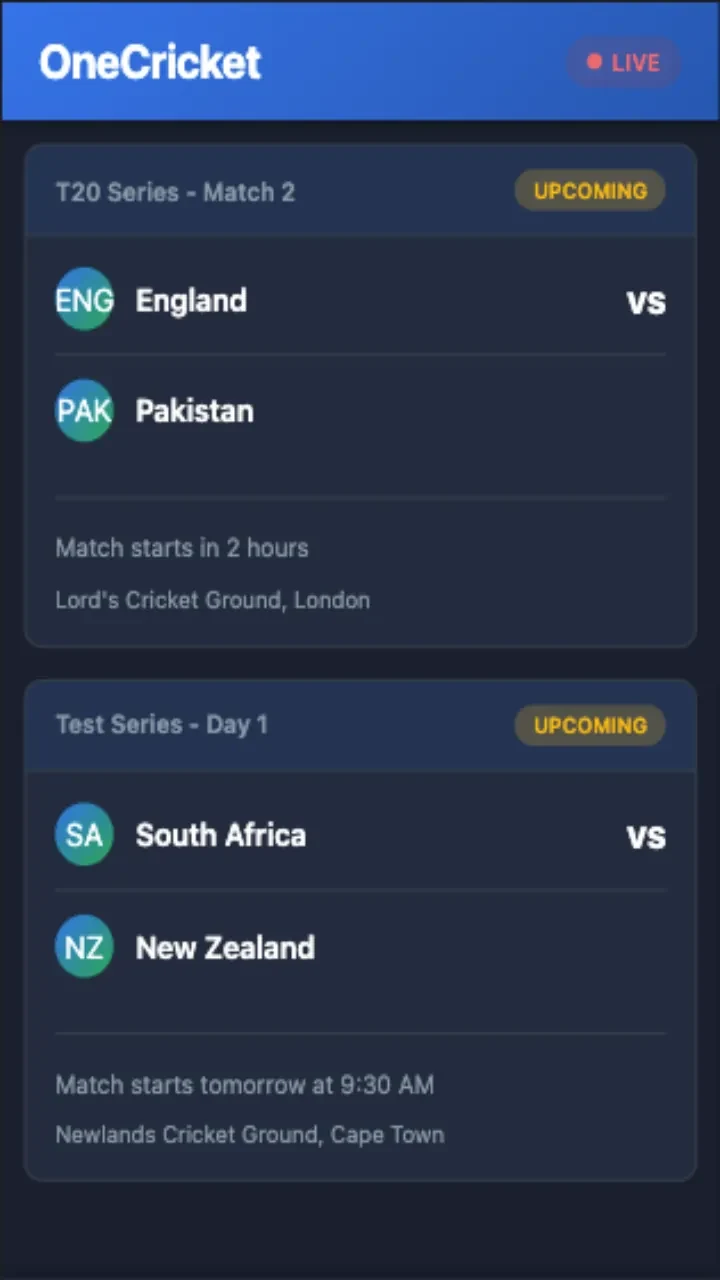
Fixtures and completed results include start times and venue information. Brief previews provide team-form information and expected line-ups where available. The app is intended to cover competitions and series such as IPL clashes, ICC events, and bilateral tours, giving users a way to follow scheduled and ongoing cricket in one feed.
Search and filter tools help locate teams, players, and recent matches. Team squads, head-to-head summaries, and match timelines are also available from the match and scoreboard areas. A favorites option can pin selected squads and fixtures near the top of the feed.
Alerts and personal settings
Notification controls let users choose alerts for particular games and select events such as wickets, milestones, session breaks, and final results. Notification frequency and alert types can be adjusted, while the main feed can be configured around preferred tournaments or teams. These settings support either occasional score checks or more regular match monitoring.
OneCricket also offers compact and expanded scorecard views, adjustable font sizes, and a preferred time-zone display. Scalable text, color contrast, and simple touch targets are documented accessibility considerations. The layout uses distinct summary, match-detail, and player-or-team profile levels to present information progressively.
Statistics and historical records
Player profiles and match statistics provide additional context around performances. Historical scorecards and match timelines remain accessible for revisiting notable innings, tracking form across a season, and comparing statistics from one match to another. Scorecards highlight innings milestones, career markers, and other match milestones, while statistical summaries can show run rates, leading wicket-takers in a series, and head-to-head team records.
Connectivity and stored recent information
The app requires a reliable internet connection for continuous live ball-by-ball updates. When connectivity is inconsistent, it can cache recent scorecards and the latest commentary for short-term offline viewing. Live updates resume when a reliable connection is detected, so cached information is intended to preserve recent match context rather than replace live coverage.
What the app does not provide
OneCricket is described as a cricket-following tool rather than a betting or competitive multiplayer product. Its documented focus is score information, commentary, statistics, schedules, notifications, and historical match records.
Version history
View all14 Oct 2026 · stable
Frequently asked questions
Does OneCricket support cricket notifications?
Yes. Notifications can be configured for selected matches and events including wickets, milestones, session breaks, and final results.
Can recent match information be viewed without a connection?
The app can cache recent scorecards and the latest commentary for short-term offline viewing when connectivity is inconsistent. Live updates require a reliable internet connection.
What competitions can users follow in OneCricket?
The supplied description mentions IPL matches, ICC events, and bilateral tours, along with fixtures and results for other supported cricket matches.