
Not Not - A Brain-Buster
Alt ShiftNot Not - A Brain-Buster asks you to interpret written instructions and swipe your character in the correct direction. Classic mode introduces concepts across levels, while challenge mode tests you with increasingly complex instructions.
Screenshots
About this app
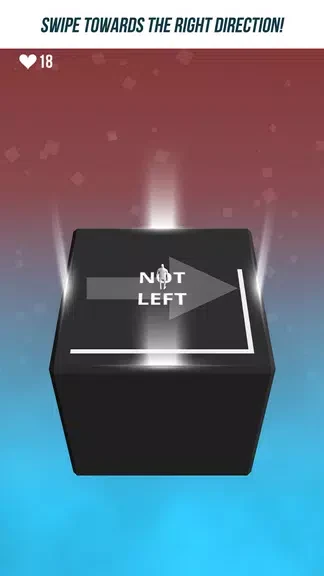
Not Not - A Brain-Buster is a logic and orientation puzzle in which you read written instructions and swipe your character in the direction they indicate. The central task is to interpret each instruction correctly and carry it out with a swipe; the description notes that a mistake can lead to failure. This connects careful reading with the dexterity needed to make the instructed move.
Reading instructions and choosing a direction
Each level presents instructions that guide the direction of your character’s movement. The challenge is to act on the written rule rather than swipe without checking it. The source describes the instructions as varied and says they become more complex as you progress, placing more emphasis on interpreting what is shown and executing the corresponding direction.
Classic mode and new concepts
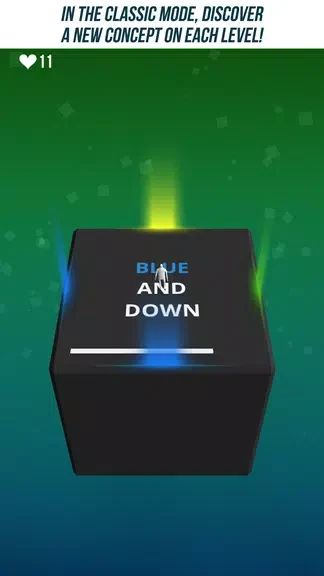
Classic mode introduces new concepts across its levels. This mode’s documented focus is discovering those concepts as you play, rather than following the increasingly difficult instruction sequence described for challenge mode. The available information does not specify the individual concepts, so the central mechanic remains reading the instruction and swiping in the required direction.
Challenge mode and instruction complexity
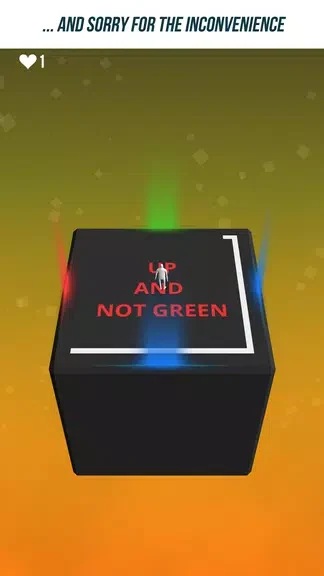
Challenge mode tests your ability to follow instructions that become increasingly complex. The description also connects this mode with striving for the highest score, though it does not explain how that score is calculated. Both modes use the same basic interaction—interpreting written directions and swiping—but frame progression differently: one introduces concepts, while the other emphasizes more complex instructions.
Accessibility option
The game description identifies a color-blind accessibility mode. It does not detail how that option changes the presentation or which specific elements it affects.
Version history
View all05 Dec 2024 · stable