

Zen Color
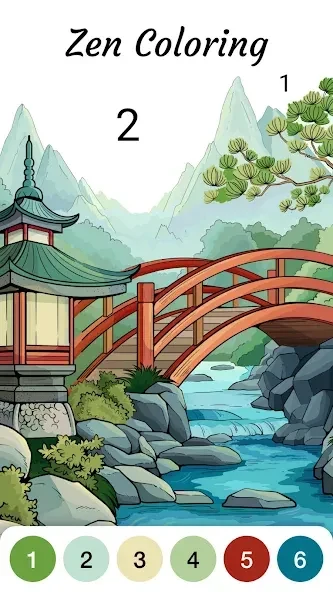
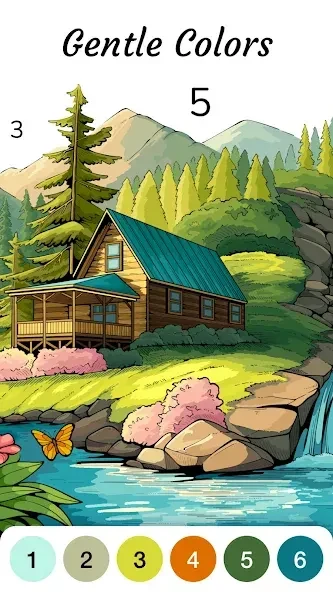
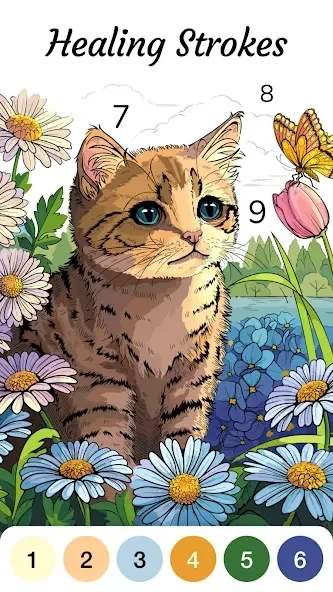
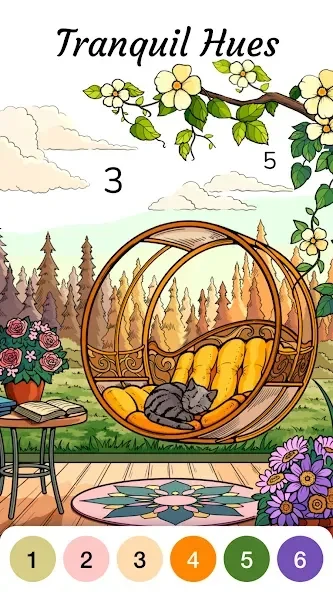
Zen Color is a digital coloring app for Android devices with a Zen-inspired gallery of landscapes, animals, cozy scenes, mandalas, and geometric designs. The source lists Android 7.0 or later as the minimum requirement, states that most features work offline, and notes that premium features require a subscription.
Screenshots

About this app
Zen Color is a digital coloring app for Android that organizes its artwork into themed categories and uses tap-to-fill controls. The source describes it as a relaxing way to spend time with coloring, suitable for people who are new to the activity as well as those with more experience. The points below cover the image library, controls, audio, offline use, progression, listed limitations, and requirements.
What kinds of images does the library include?
The artwork is organized around mindful subjects such as landscapes, animals, cozy scenes, mandalas, and geometric designs. According to the source, each collection follows a consistent visual style, which helps the pages feel cohesive as you move through the library. The categories are presented as a way to find pages that suit your interest, rather than as a fixed sequence.
How do the coloring controls work?
The app uses a color-by-number approach. You select a color and fill the matching areas to move forward. The source says the interface gives on-screen guidance, and it describes the controls as straightforward enough that users can concentrate on finishing each section without learning a complex set of tools.
What audio and visual feedback is available?
Zen Color includes themed sounds and ambient nature audio meant to match the mood of each image. The source notes that you can switch the audio on or off depending on your environment. Visual feedback includes color pop effects that appear as you fill areas, which the source presents as a way to acknowledge progress.
Can I color without an internet connection?
The source states that Zen Color works without an internet connection, which it links to travel or quiet time away from Wi-Fi. It also says most features are available offline. Images need to be downloaded before offline coloring, according to the app's FAQ section in the source.
How does orientation and progress work?
The layout adapts to portrait and landscape modes, so you can change the view by rotating the phone. Achievement badges and optional challenges mark milestones, and hidden content may appear as you finish pages. The source describes progress as steady and low pressure, and says you can return at any time to continue where you left off.
What do the listed pros, cons, and user comments say?
The source lists a large variety of pages, a relaxing coloring experience, and the ability to share finished artwork as strengths. It lists limitations as a free version with limited features and ads, and premium features that require a subscription. Several user comments in the source mention the zoom feature, the range of difficulty levels, and the ads in the free version. These comments are testimonials supplied in the source and are not independently verified.
What are the documented requirements?
The source lists the minimum operating system as Android 7.0 or later. It also lists version 1.83.1 and the category Tools. The available information does not describe device-specific performance or other technical details beyond these listings.
Version history
View all11 Oct 2026 · stable
Frequently asked questions
Is Zen Color suitable for all ages?
The source says Zen Color is suitable for all ages and describes it as a family-friendly activity for children and adults.
Can I zoom in on the artwork?
Yes. The source says zooming in helps with precision, and a user comment in the source specifically praises the zoom feature for making fine details easier to see.
Can I share finished artwork?
The source lists the ability to share finished artworks with friends and family as one of the app's advantages, but it does not describe the sharing method.