

Wallcraft
Wallcraft offers searchable wallpapers in styles ranging from abstract designs to live, parallax, and 4D effects. Users can preview and apply backgrounds, save favorites, and set up slideshows.
Screenshots

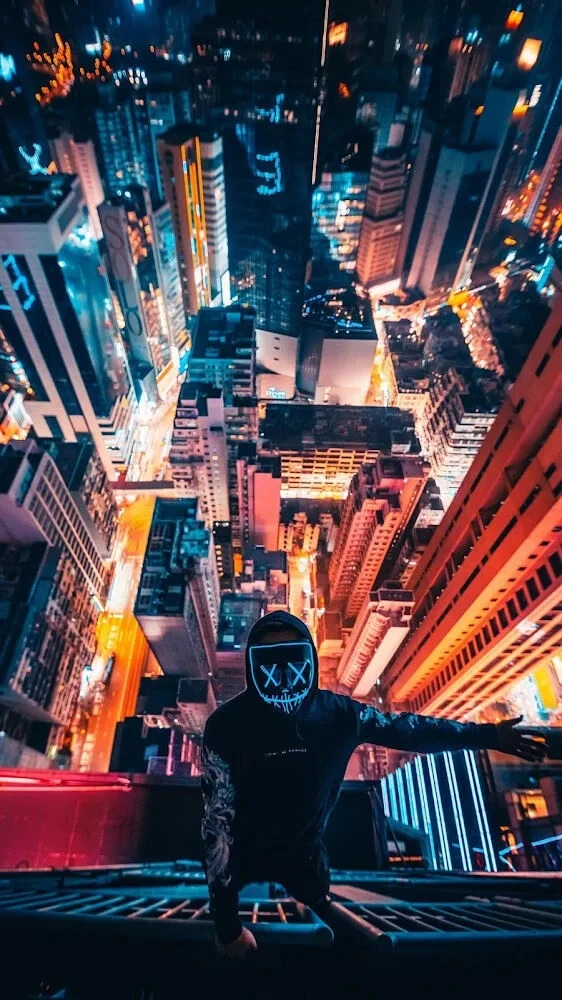

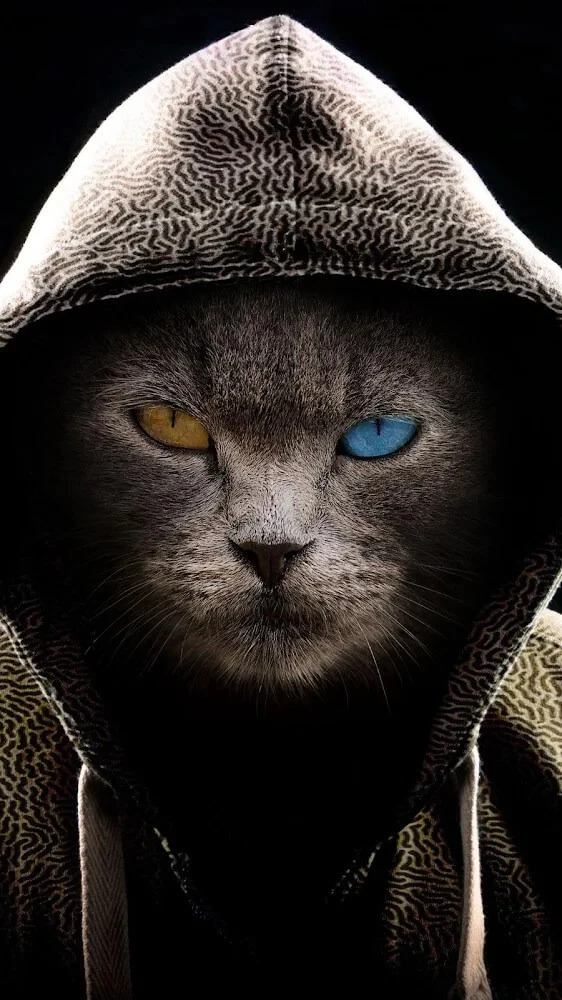

About this app
Wallcraft helps Android users find and apply a background without having to browse for images elsewhere. Search by keyword or explore organized categories, then preview a wallpaper and apply it to the device. The catalog includes still images as well as live, video, parallax, and 4D options, so users can choose between a static look and motion effects. Editing previews, favorites, and slideshow settings provide ways to review and manage selections, while different resolutions and screen-focused designs make it easier to choose a suitable background.
Browse by subject, style, and resolution
The app’s search is intended to surface images by keywords, including specific types of wallpaper, and its categories offer another way to explore. The collection spans abstract patterns, minimal designs, 3D graphics, and other aesthetic backgrounds. Wallcraft also lists HD options at 720p and 1080p, 4K images at 2160p, and higher-resolution selections. Its description identifies some 6K HD wallpapers as available through subscription and coins, and describes exclusive 4D wallpapers in 8K. Those higher-resolution options are distinct from the broad base of free wallpapers mentioned in the app description.
Choose still images or motion effects
For users who want more than a static image, Wallcraft includes live wallpapers with dynamic and parallax effects, as well as video wallpapers and 4D designs. These options can make the screen’s background feel more animated, while the app’s still-image collection supports a simpler appearance. The range allows people to match a background to their preference rather than limiting browsing to one format. The app also describes realistic live wallpapers as options for screensavers, though the available effects depend on the wallpaper selected.
Preview and organize personal selections
Wallcraft lets users preview a wallpaper before applying it and compare the appearance before and after editing. This can help with deciding whether a particular image or treatment suits the screen. Users can add wallpapers to a favorites collection for later access, and set up slideshows to cycle through selections. An automatic wallpaper changer is also listed among the app’s features, giving users an alternative to choosing every background manually. Together, these tools support both one-off changes and a collection that can be revisited or rotated.
Backgrounds for home and lock screens
The available designs include options described for both the home screen and lock screen. Home-screen backgrounds include minimal, abstract, and 4K designs intended to keep icons visually distinct; lock-screen choices emphasize the image’s appearance on that screen. Wallcraft also describes using wallpapers to create themes for an Android phone or as keyboard backgrounds. These different uses make the catalog relevant to people who want to coordinate more than one part of their device’s appearance, though the source does not specify how each setting is applied.
A straightforward browsing experience
The app is described as having organized categories and a clean interface, with keyword search, previews, favorites, and direct application working as parts of the browsing process. Users can move from finding an image to checking its appearance and keeping it for later without treating the catalog as a simple, unfiltered gallery. The description also says that new themes continue to be released. Wallcraft may suit users looking for both everyday still backgrounds and more elaborate animated choices, with the understanding that some of the highest-resolution content is tied to subscription and coins.
Version history
View all24 Jul 2026 · stable
Frequently asked questions
Does Wallcraft include live wallpapers?
Yes. Its listed options include live wallpapers with dynamic and parallax effects, along with video and 4D wallpapers.
Can I save wallpapers to revisit later?
Yes. Wallcraft lets users add wallpapers to a favorites collection and also offers slideshow settings.
Are all of Wallcraft’s wallpapers free?
The app description mentions a base of free wallpapers, while some 6K HD wallpapers are described as available through subscription and coins.