

VPN - WiFi Secure VPN Proxy
Super VPN Proxy *VPN - WiFi Secure VPN Proxy is a Tools-category Android VPN app whose listing describes routing traffic through VPN servers to hide the user's IP address and location. The developer's description also claims unlimited bandwidth, a no-log policy and multi-device use, which are presented here as listed claims rather than independently verified facts.
Screenshots
About this app
VPN - WiFi Secure VPN Proxy is an Android app in the Tools category that routes internet traffic through VPN servers. According to its listing, the app is designed to hide a user's IP address and location, add protection on public WiFi networks, and support several devices under one account. The sections below separate the functions the listing names from claims that the supplied text cannot confirm.
What does the app do?
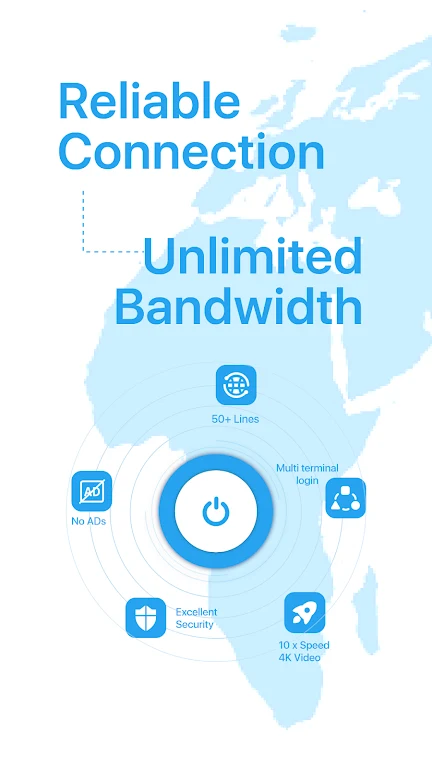
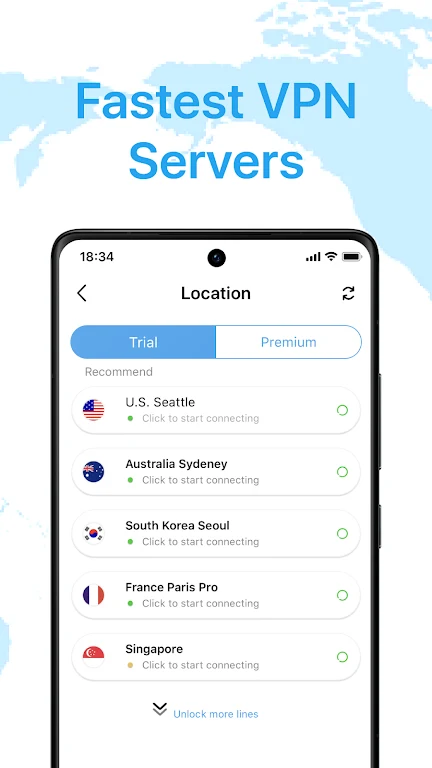
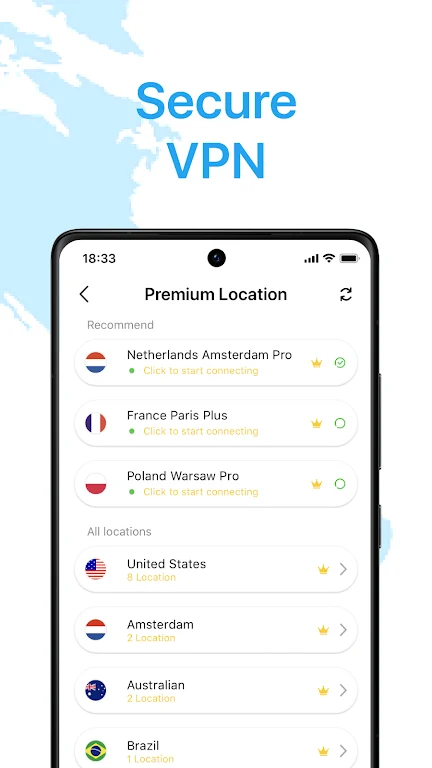
The listing describes VPN - WiFi Secure VPN Proxy as a privacy-focused VPN app. Its stated core task is masking the user's real IP address and location while browsing. The description also says the app encrypts internet traffic and refers to a network of more than 100 VPN servers. These server details come from the developer's own description and have not been independently verified.
Which privacy and security features are listed?
The privacy-related features named in the listing include hiding the true IP address and location, a statement that no logs are stored, and a claim that the app enhances security on public WiFi networks. The developer also names IPsec, SSL/TLS and DTLS as encryption methods used to protect traffic. The supplied text includes no audit reports or technical documentation, so the no-log and encryption statements should be read as developer claims.
Can one account be used on several devices?
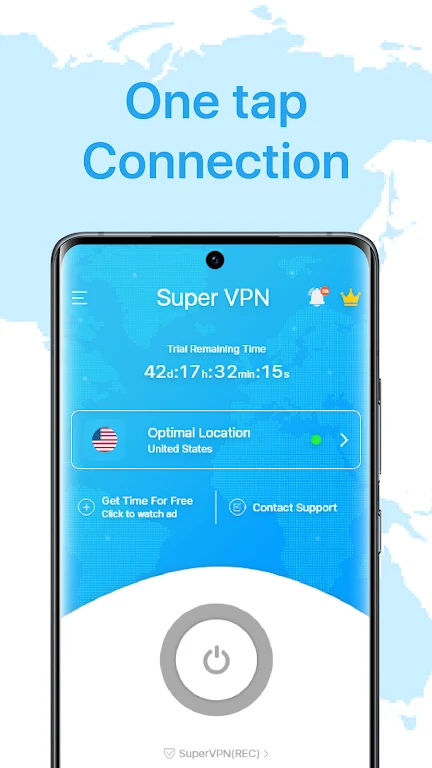
The description states that one account supports multiple devices, which the developer presents as a way to cover all of a user's devices from the same account. It also claims that a single tap can open a secure proxy on any device. The supplied material does not explain how device limits, account setup or device management work.
What streaming and public WiFi uses does the listing mention?
The listing mentions watching 4K HD videos without buffering, accessing geo-restricted content, and using streaming services, social media and websites that may be restricted in some countries. For public WiFi, it suggests connecting through the app so that internet traffic is encrypted before use. Performance statements such as unrestricted bandwidth and no buffering are promotional descriptions, and the supplied material contains no test results to confirm them.
Which VPN protocols are named?
The description lists MPVPN, SSH VPN, WireGuard and OpenVPN as supported protocols. It does not explain how to choose or configure any of them, so this profile does not provide setup steps.
What information is missing from the supplied data?
The supplied data does not include pricing, a privacy policy link, a permission list or a usable minimum Android version. Readers who need these details should check the current store listing and the developer's published policies before making a decision.
Version history
View all24 Jul 2024 · stable
Frequently asked questions
Which version and category are listed for the app?
The supplied data lists version 1.0.0 and the Tools category.
Is a minimum Android version provided?
No. The minimum OS field in the supplied data contains only a language label, so a usable minimum Android version cannot be confirmed from this material.