

Vector Ink: SVG, Illustrator
Vector Ink LLCVector Ink: SVG, Illustrator supports vector drawing and precise editing on Android, with tools for paths, shapes, layers, text, and styling. Export designs as SVG or as PNG files at multiple scales.
Screenshots
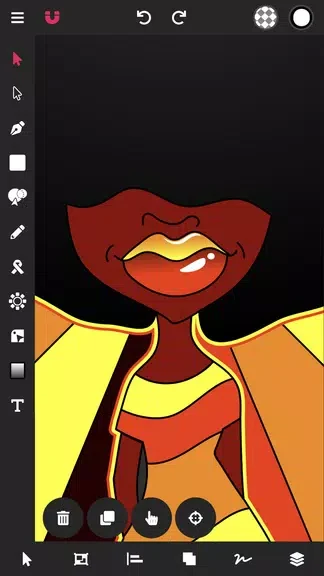
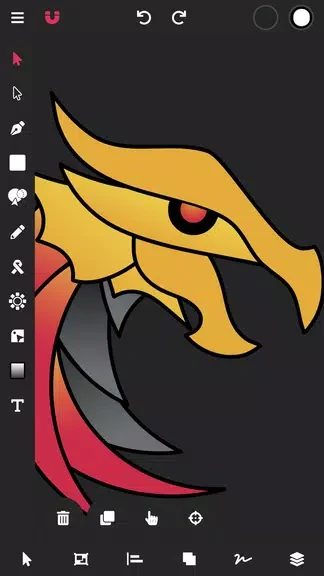
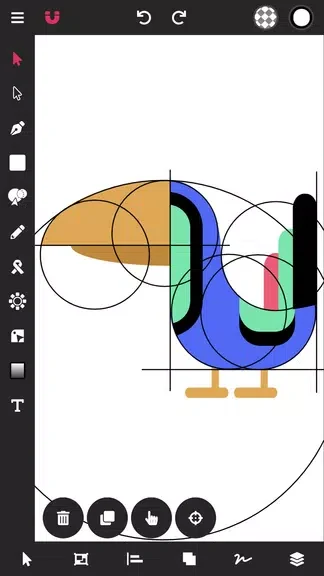
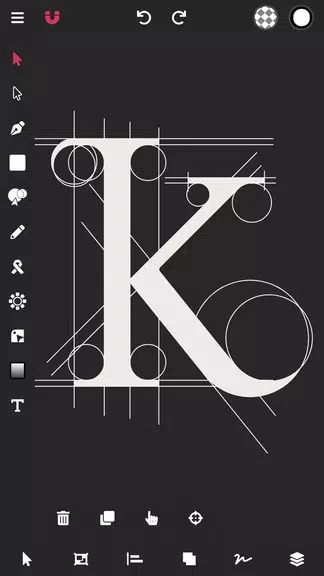
About this app
Vector Ink: SVG, Illustrator is a mobile vector editor for creating and refining artwork when the task calls for paths and scalable graphics. Its tools support work such as icons, logos, interface mockups, and illustrations, with SVG and PNG export options for finished designs.
When a design needs precise paths
For drawing or adjusting a custom outline, the pen tool creates paths from anchor points, while Bézier handles shape their curves. Node editing lets you refine individual points, and grid or magnetic guides support alignment while you work. These controls are useful for designs where the placement and shape of a path matter, such as icon details or logo contours.
When basic shapes need to become a composition
Rectangles, circles, and polygons provide starting forms for a design. Boolean operations can combine, subtract, intersect, or exclude shapes, allowing those elements to form more complex vectors. Layers and groups help organize the composition: layers can be renamed, locked, or hidden, while grouping keeps related elements together for editing.
When artwork includes text and styling
Text objects can be added and adjusted through font and kerning controls. Fills, strokes, and gradient fills provide ways to style text and vector shapes within the same editor. For more exact adjustments, the inspector offers numeric inputs for coordinates, stroke widths, and opacity.
When editing on a touchscreen
The workspace places tool icons in a dock and presents context-sensitive panels when they are needed. Pinch gestures zoom the canvas, two-finger gestures pan it, and a long press provides quick tool toggles. These documented controls support navigating the canvas and making detailed edits by touch.
When a design needs to be exported or continued later
SVG export is available for vector files, while PNG export supports multiple scale factors, including @1x, @2x, and @3x. The app can generate those PNG sizes in one pass. Projects can also be shared through cloud services or saved locally in a compact project format for later editing, keeping editable project files distinct from exported artwork.
Version history
View all15 Oct 2026 · stable