
ReLens Camera
ReLens Camera is a photography app for Android that combines manual exposure settings, AI-assisted background blur, RAW and HDR capture, and filters and lenses in one camera interface. It suits users who want to shoot with more control and then adjust and share their photos within the app.
Screenshots
About this app
ReLens Camera is a photography app for Android that brings manual camera settings, portrait-style background blur, RAW capture, and a set of editing tools into one shooting and editing workflow. Its main purpose is to help users take photos that look closer to those made with a dedicated camera, while still using a phone.
Shooting with manual control
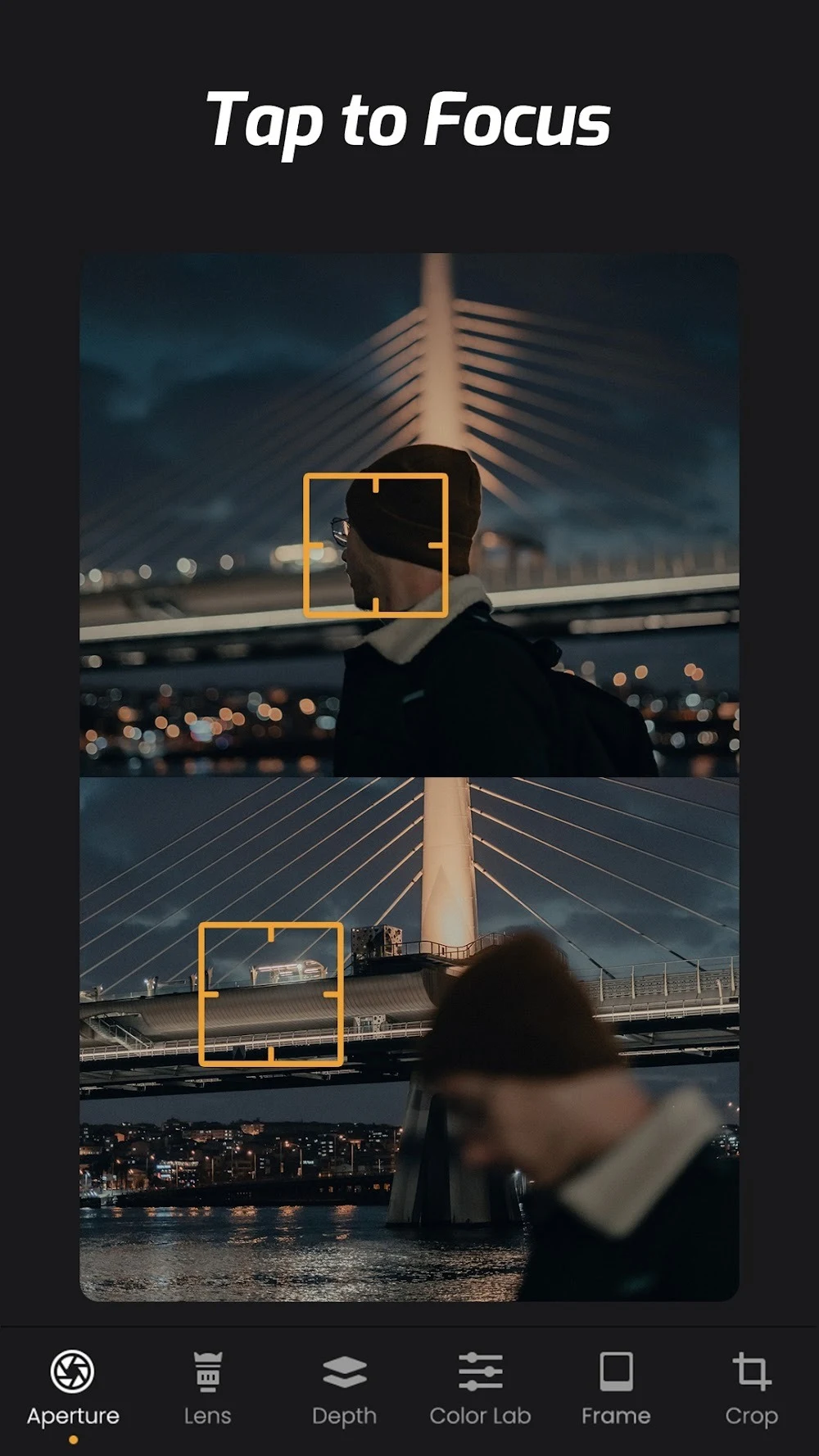
The app is designed for users who want to decide how each shot is exposed. According to its description, manual settings cover ISO, shutter speed, aperture, and white balance, so a user can test different combinations and aim for a specific result. The description also mentions manual focus in its conclusion, and a depth brush tool for fine focus adjustments. Because the controls are presented as part of the capture process, a user can adjust them before pressing the shutter rather than only correcting the image afterward.
The description suggests that these controls are most useful in difficult lighting. Adjusting exposure, ISO, focus, and white balance is presented as a way to improve results when a scene is hard to expose correctly. It also recommends practicing in different environments to become more confident with the settings.
Creating a background blur for portraits
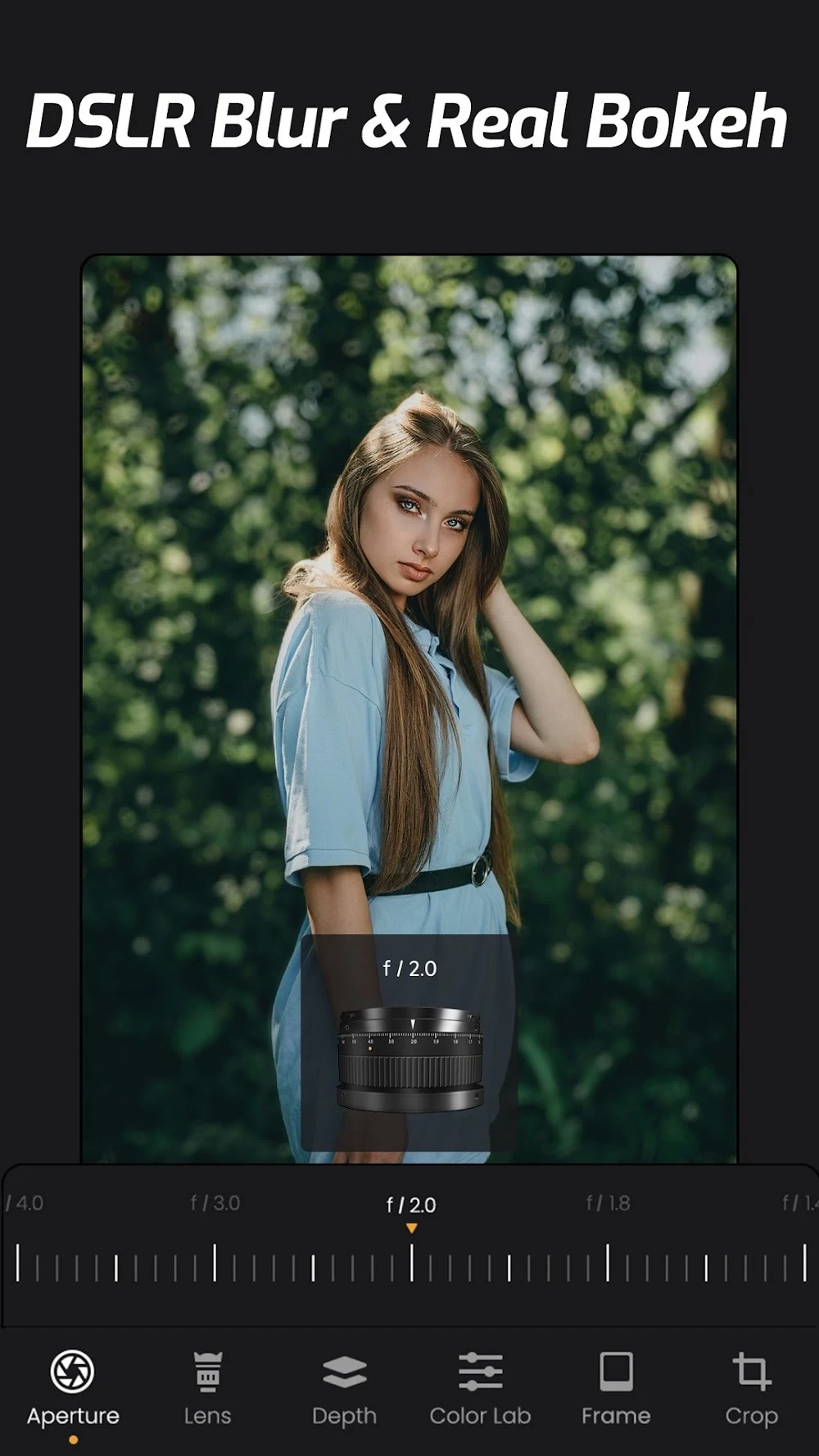
For portraits, ReLens Camera offers a mode intended to produce the soft, blurred background often associated with professional portrait photography. The description states that the app uses AI to imitate the depth-of-field effect of a DSLR camera, so the subject can remain in focus while the background is softened. The depth brush is described as a way to refine focus further, separating the foreground from the background more precisely. The same description notes that AI depth-of-field and beautification features can be used to enhance a photo, although the results will depend on the scene and the settings chosen.
Capturing RAW and HDR images
Users who plan to edit their photos extensively can shoot in RAW format. The description explains that RAW is uncompressed and keeps the information recorded by the camera sensor, which gives more flexibility during post-processing. This capability is presented as useful for users who want to retain as much detail as possible.
For scenes with a wide range of light, the app includes an HDR mode. According to the description, it automatically blends multiple exposures so that a single photo can keep both bright highlights and deep shadows. The stated result is a balanced image with a natural appearance.
Filters, effects, and lens styles
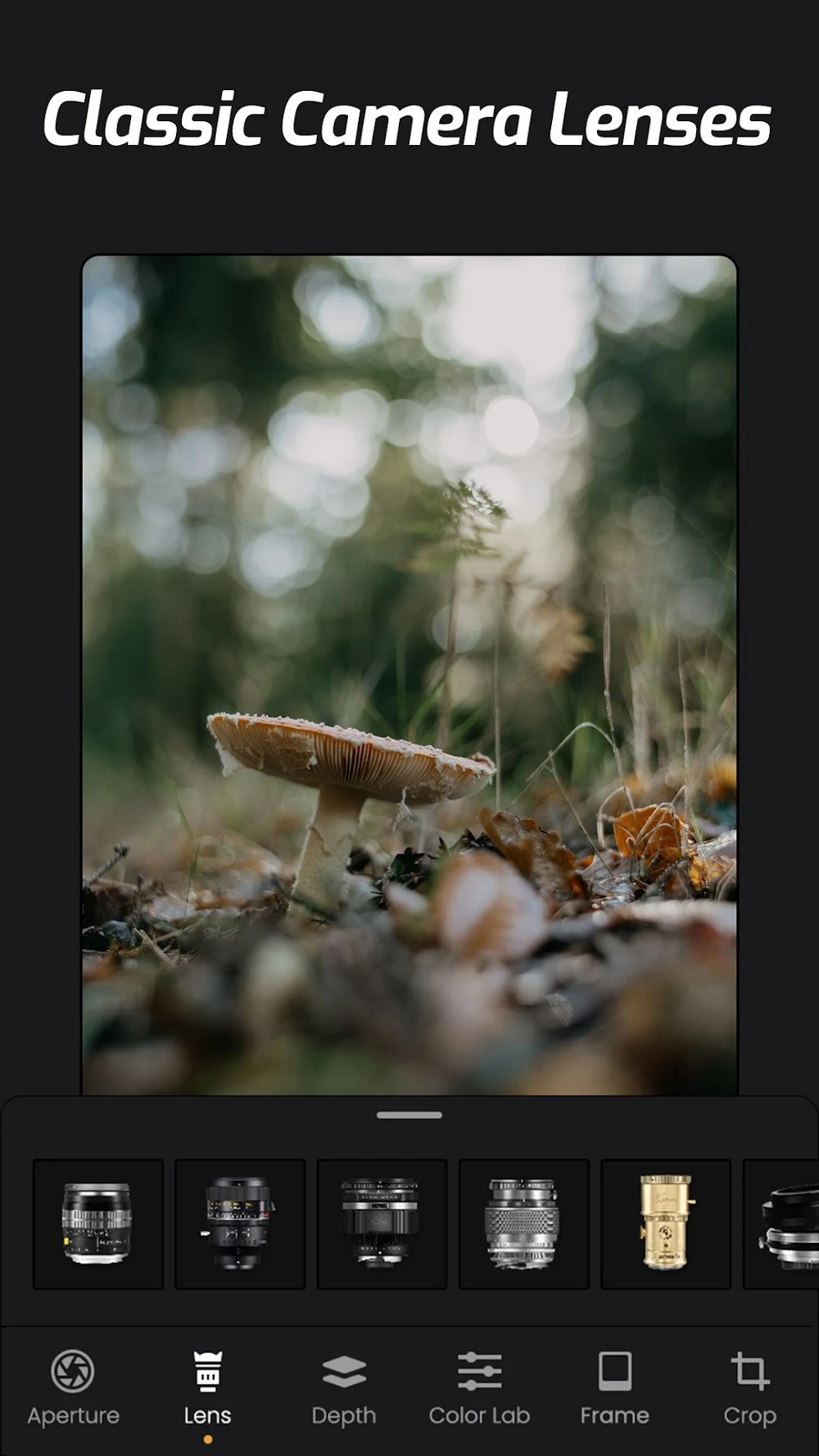
ReLens Camera includes filters that can be customized and are described as suitable for vintage or modern looks. The app also provides lens emulations, which the description presents as a way to change the character of a photo. According to the description, these lenses come in different styles and concepts, and users can switch between them or learn about their variants at any time. The source also mentions vintage DSLR lenses and a true optical lens effect, which it presents as contributing to a more professional look. These are claims made in the app description and have not been independently verified here.
The developer’s description says the app system adds new lenses on a regular basis, which would give users more options over time. Filters and lenses are discussed together in the source as tools for experimenting with mood and style, so a user can try several looks on the same subject.
Editing and adjusting photos
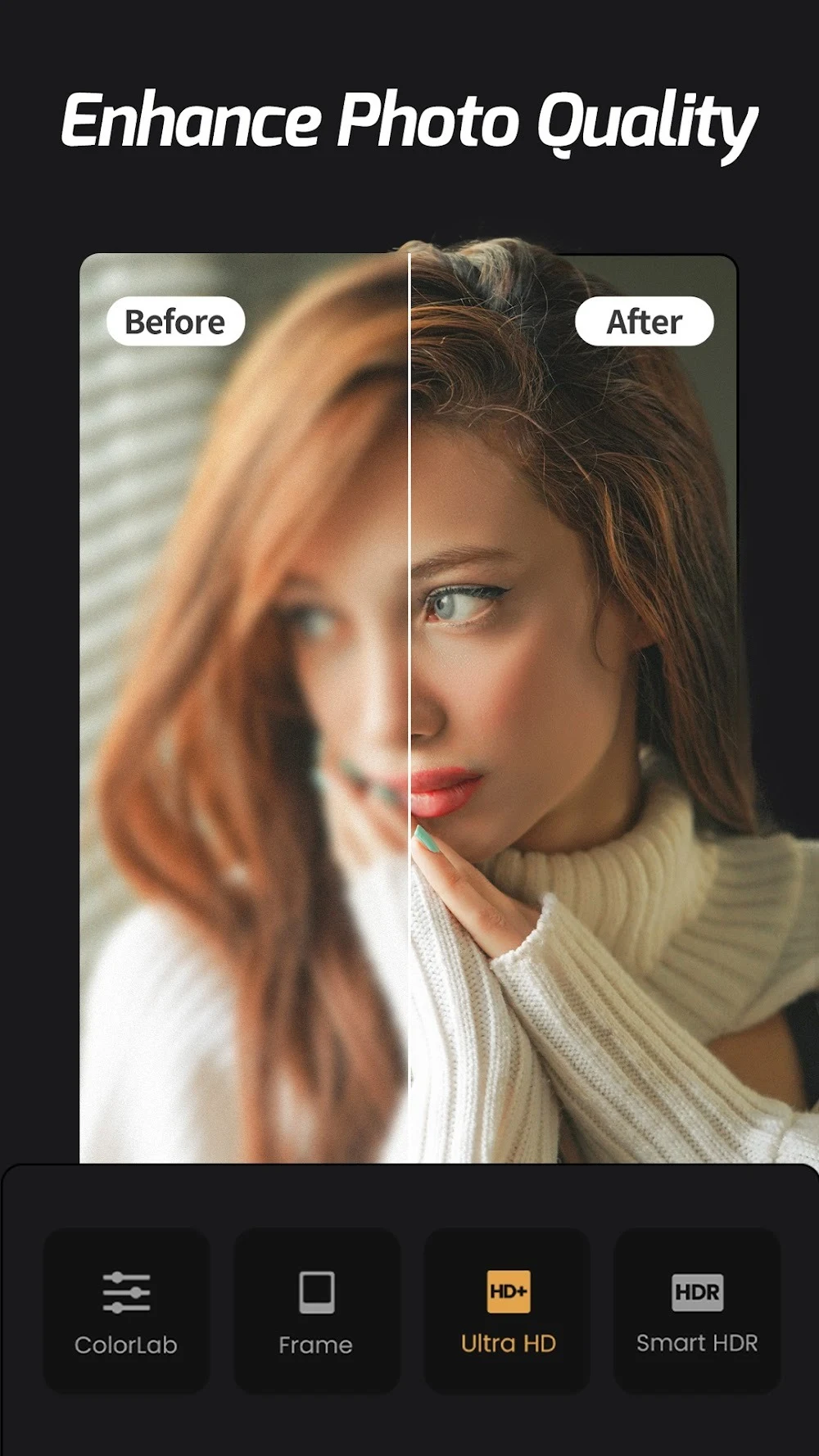
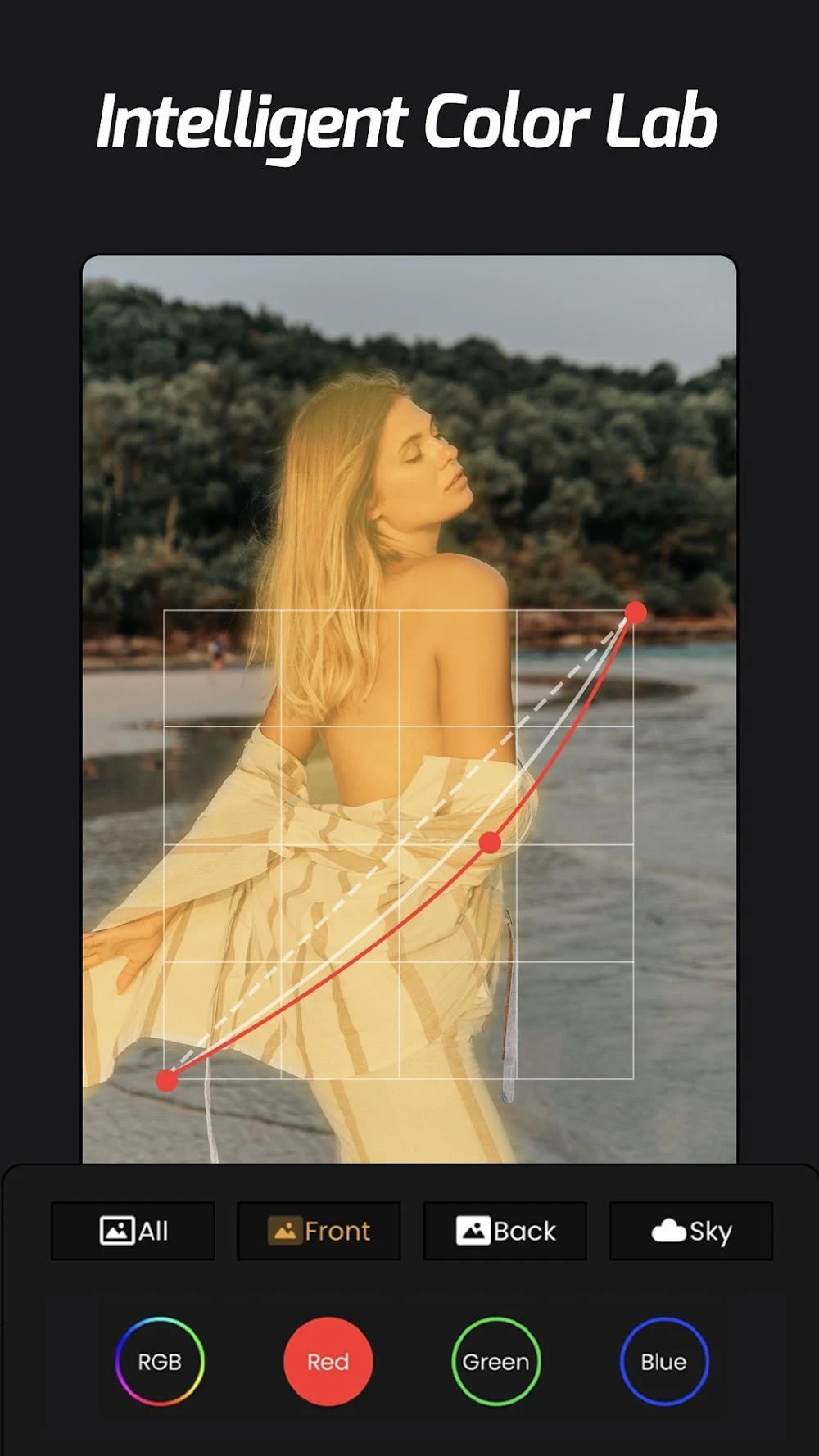
After a photo is taken, the editing tools allow users to add filters, effects, and music, and to adjust aspects such as contrast and tone. The description frames these tools as a way to reach a finished result without leaving the app. The source describes the photo editor as a place to explore individual tools, and suggests that understanding what each one does can improve post-processing.
Recording video
The description says the app can record video at up to 4K resolution. It also notes that this depends on the device, so the option is available only if the phone supports 4K. For video work, the source mentions grid lines and a histogram as aids for composition and exposure control.
Sharing photos
ReLens Camera supports sharing images with friends or on social media platforms. The description presents this as a simple way to post finished photos and to receive reactions from other users.
Who the app is described as suited for
The description states that the app is useful for people who are just learning to use a camera as well as for experienced photographers who want advanced features. Beginners can rely on the automatic and AI-assisted options, while more experienced users can work with the manual controls, RAW capture, and advanced editing tools. The description also says that some of the tools may take time to understand, and that they are intended to help photos become more creative and artistic.
Version history
View all26 Nov 2025 · stable