
Pydroid 3
Pydroid 3 is an Android IDE for writing and running Python programs, with an offline interpreter, package installation tools, code-editing assistance, and terminal access. It also supports scientific libraries, native-code builds, GUI work, and multiple-file editing.
Screenshots
About this app
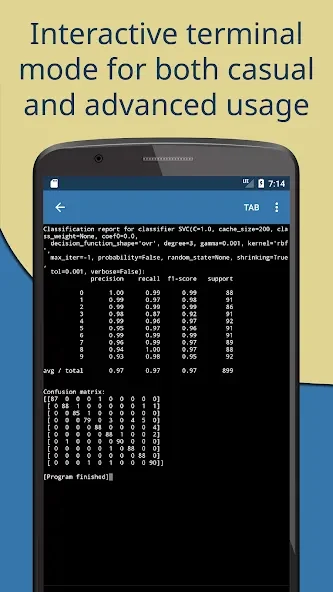
Pydroid 3 is an Android IDE for writing and running Python programs for learning, practice, data science projects, and mobile development. Its offline Python interpreter allows programs to run without an internet connection, while the editor, terminal emulator, package tools, and GUI support bring several programming utilities into one Android application.
Running Python and managing packages
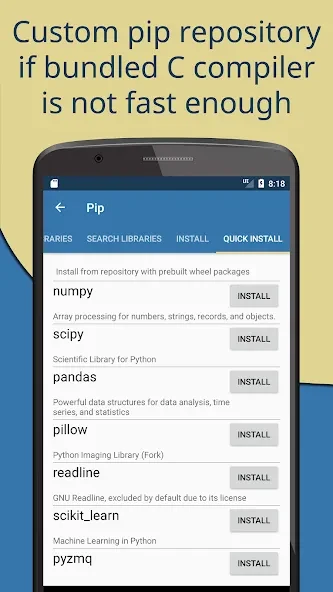
The built-in Python interpreter is designed for working without an internet connection after the required components are available. The app also includes pip for installing Python packages and supports a custom repository with prebuilt wheels for numpy, scipy, matplotlib, scikit-learn, and jupyter. A command-line interface and terminal emulator provide additional ways to work with Python and install dependencies.
Projects that rely on native code can use the built-in C, C++, and Fortran compiler to build pip libraries containing native components. OpenCV is available on devices with Camera2 API support. TensorFlow and PyTorch are identified in the supplied information as Premium features.
Editing code on an Android device
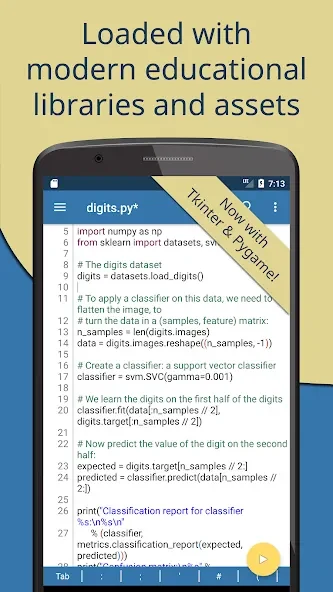
The editor includes Python symbols and shortcuts in an extended keyboard bar, along with syntax highlighting and multiple color themes to make code easier to read. Tabs allow several files to be open at the same time, and interactive navigation can jump to definitions and assignments.
The supplied feature information also describes code prediction, automatic indentation, and real-time code analysis. These tools are presented as IDE-style editing assistance, while the source notes that features marked with an asterisk are available in the Premium version.
Supporting learning and experimentation
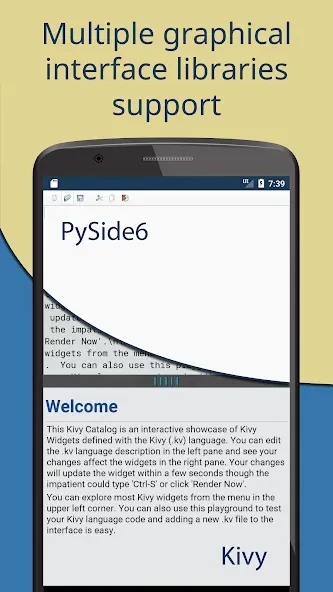
Ready-to-use sample code supports practice and exploration, and the app provides GUI support for Python projects that use graphical interfaces. A one-click sharing option can send code to Pastebin. These tools complement the interpreter and editor by covering examples, interactive development, and sharing from the same Android-based workspace.
Requirements and project scope
Pydroid 3 requires Android 6.0 or later. The supplied information describes it as a portable tool for Python coding and notes that some projects may require additional plugins. It also cautions that the app is not advisable for managing big projects, which is relevant when deciding whether its mobile-focused workspace fits a particular workload.
Version history
View all11 Oct 2026 · stable
Frequently asked questions
What Android version does Pydroid 3 require?
Pydroid 3 requires Android 6.0 or later.
Are TensorFlow and PyTorch included in the standard feature set?
The supplied information identifies TensorFlow and PyTorch as Premium features.
Can Pydroid 3 be used for large software projects?
The source notes that the app is not advisable for managing big projects.