
Office Reader - Docx reader
EZTech AppsOffice Reader - Docx reader combines offline document reading with tools for creating, editing, and managing office files. It supports Word documents, Excel spreadsheets, PowerPoint presentations, and PDFs, with a full-screen option for PDF viewing.
Screenshots
About this app
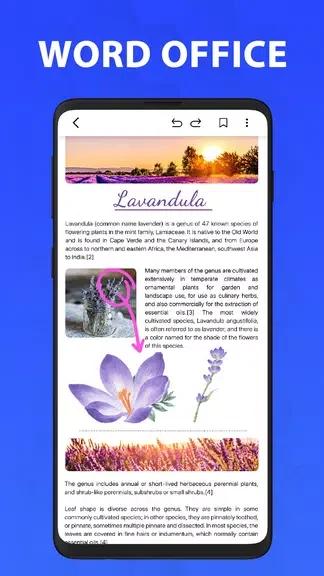
Office Reader - Docx reader is an Android document reader and editor for accessing office files and managing them on a phone or tablet. It brings together support for Word documents, Excel spreadsheets, PowerPoint presentations, and PDFs, so you can handle several document types in one app. Offline reading lets you open and review files without an internet connection, while editing and file management tools cover tasks such as updating text, creating documents, organizing folders, and sharing files from your mobile device.
Which office files can you read and edit?
The app supports DOCX and Word documents, Excel spreadsheets, PowerPoint presentations, and PDF files. Its editing tools cover office documents, including DOCX, Excel, and PowerPoint files, while its PDF reader provides a dedicated way to open and view PDFs. Offline access is also available for opening and reading documents.
Can you create documents or make quick changes?
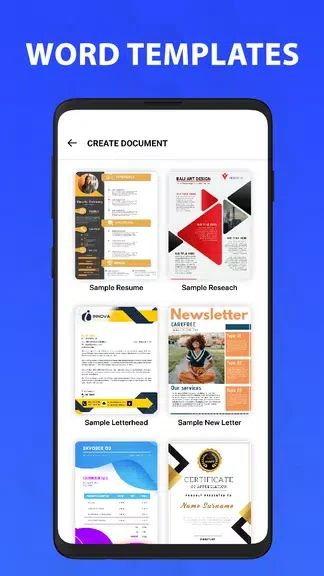
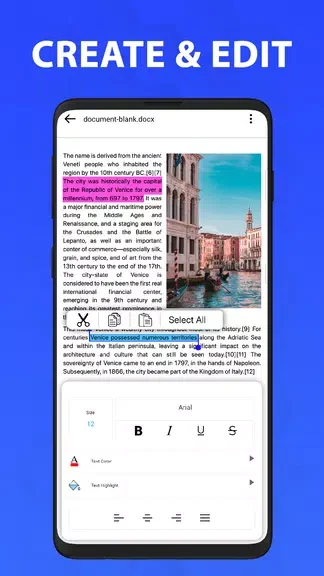
Office Reader - Docx reader lets you create new office documents rather than only view existing files. The word editor supports text changes, document formatting, and saving your edits. These functions can be useful when you need to revise a document while away from your computer or start a new document or spreadsheet on your phone or tablet.
How can you organize and share your files?
The built-in file manager lets you arrange documents into folders, delete files you no longer need, and access your stored documents. You can also print and share files directly from your phone. These controls bring document organization and file handling into the same app used for reading and editing.
What does the PDF reading mode offer?
The PDF reader opens PDF documents and includes a full-screen viewing mode. You can switch to that mode when you want to focus on the document content. Together with offline reading, office editing, and folder management, this makes the app relevant to people who regularly review PDFs alongside Word files, spreadsheets, and presentations on a mobile device.
Version history
View all09 Nov 2024 · stable