

Musica Tayrone Cigano 2020
Vanessa LerebuanMusica Tayrone Cigano 2020 is an Android music player and collection app centered on studio tracks, live recordings, remixes, and curated albums. It supports library organization, playlists, favorites, background playback, standard player controls, and offline listening from downloaded tracks or albums.
Screenshots
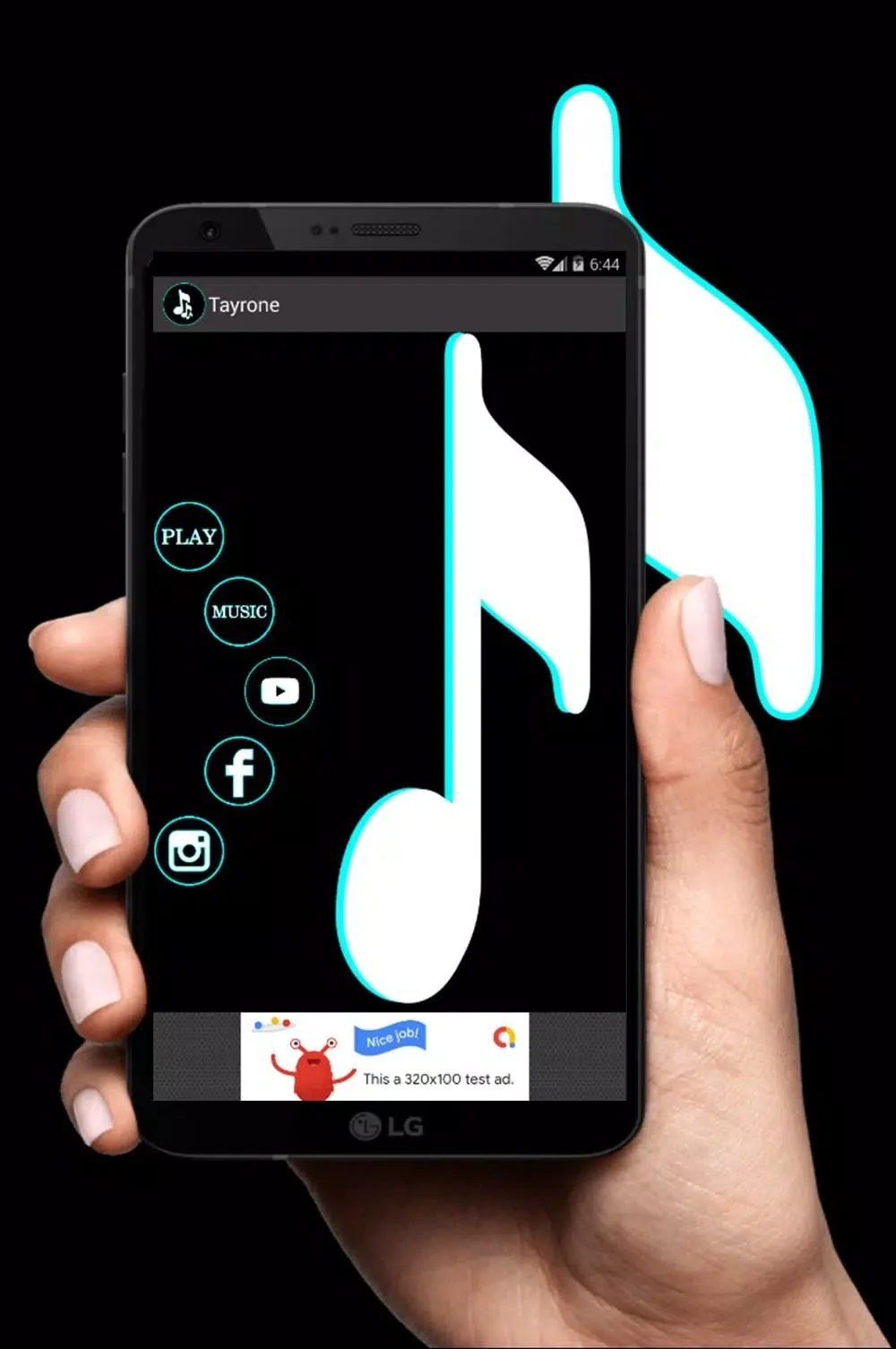
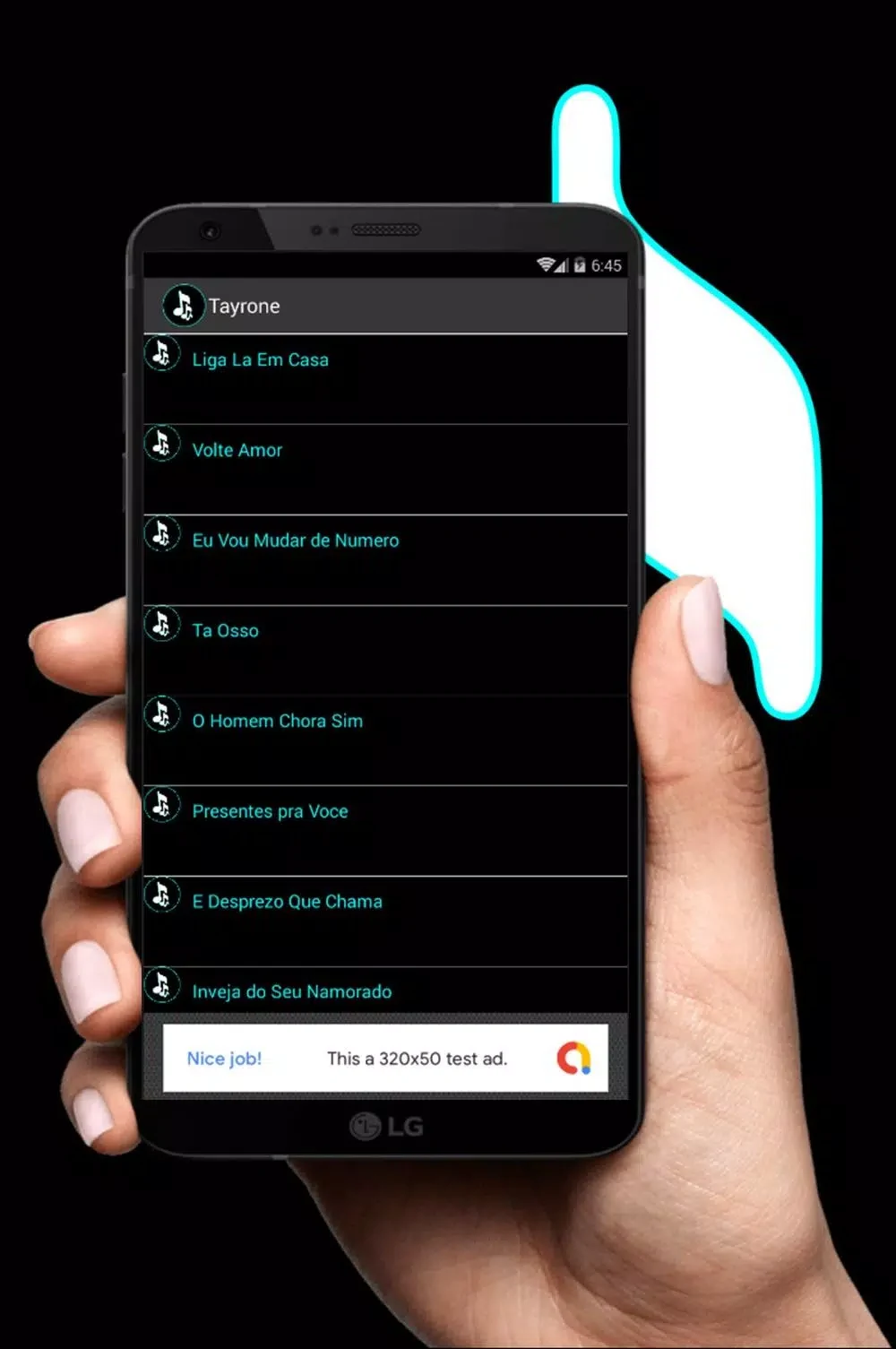
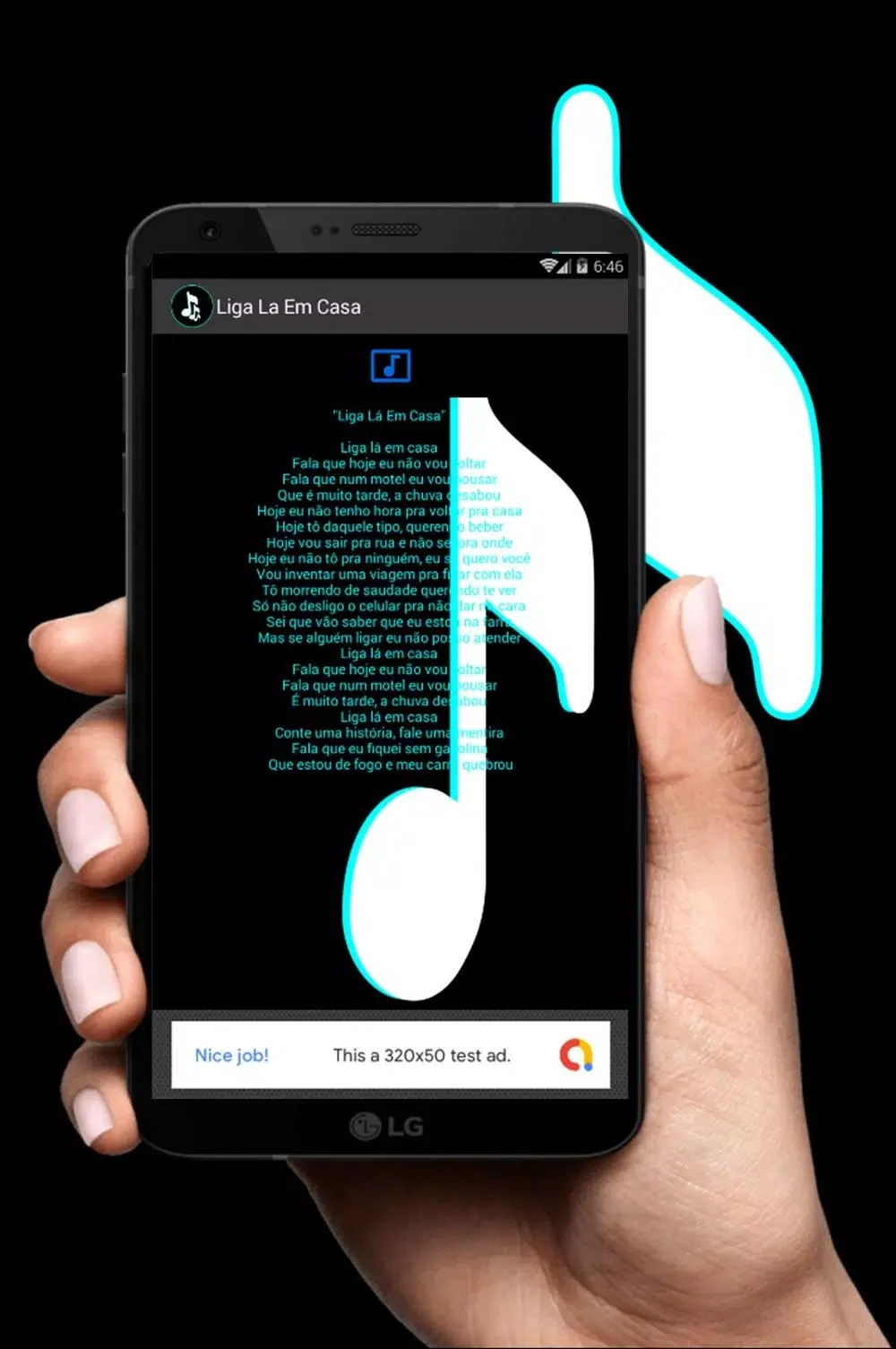
About this app
Musica Tayrone Cigano 2020 is an Android music player and collection app for listening to curated studio tracks, live recordings, and remixes. Its library layout is designed for direct access to albums, recent plays, favorites, and files saved for offline playback.
Music library and organization
The app can scan audio files stored on the device and organize them into browsing categories. Users can import folders or allow the scanner to add supported files automatically. Tracks can be sorted by album, title, or release date, while automatic scanning and tagging help keep the library structured as new files are added.
Artwork appears when available, and the player screen displays current track metadata. The collection combines the artist’s popular material with live sessions and selected remixes, giving the library a focused catalog rather than a broad general-purpose music service.
Playback and offline listening
Core playback controls include play, pause, skip, repeat, and shuffle. Gapless playback is available for compatible files, and background play allows audio to continue while another app is being used or while the screen is off.
Individual tracks or complete albums can be downloaded for offline listening. Downloaded content is stored on the device and managed through the app’s library, so available storage is a practical consideration when saving multiple albums.
Playlists and practical controls
Users can create, edit, reorder, and save playlists for later access. Tracks can also be marked as favorites to create a convenient selection of frequently played music. Playback order can be adjusted, and notification behavior for the lock screen can be changed.
The app includes light and dark themes where supported. Its equalizer provides basic presets and small bass and treble adjustments, but it does not offer advanced equalizer controls or extensive audio processing.
Getting started and file support
After installation, the app prompts a library scan to find audio files on the device. Users may organize files into album- or year-based folders before scanning, then run the scan again after adding new music. The player supports common audio formats, including medium-quality MP3 files and higher-bitrate files.
The interface uses a minimal visual design that emphasizes readable information over decoration. The source describes short load times and moderate memory use on modern mid-range devices, including with larger libraries. Battery impact during playback is described as modest, while background audio follows system resource constraints.
Storage and account requirements
Downloaded music remains on the device and is handled through the library. The source states that the app does not require forced accounts or mandatory sign-ins. Users planning offline listening should monitor available storage, particularly when downloading full albums or maintaining a large local collection.
Version history
View all14 Oct 2026 · stable