

Mangakakalot
Mangakakalot is an Android comic reader with a large catalog, flexible discovery tools, and several reading modes. It also records reading progress and supports chapter downloads for offline reading, according to the supplied description.
Screenshots
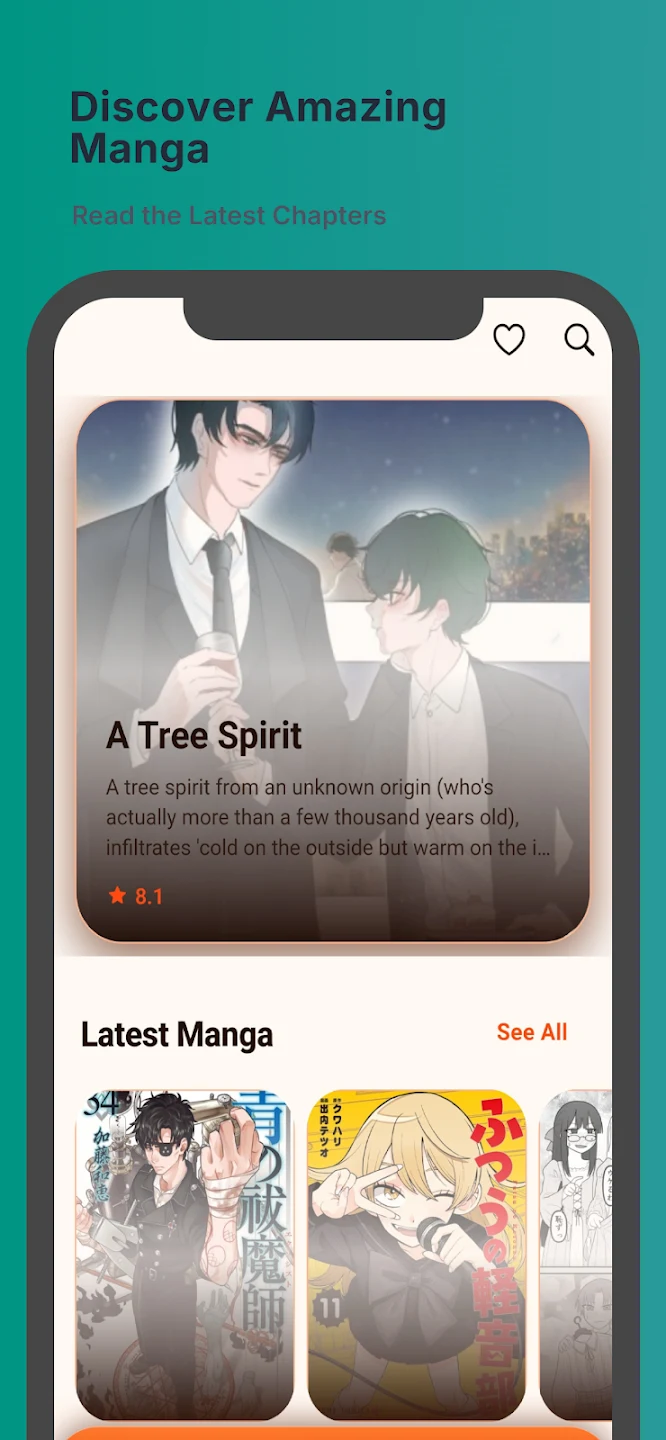
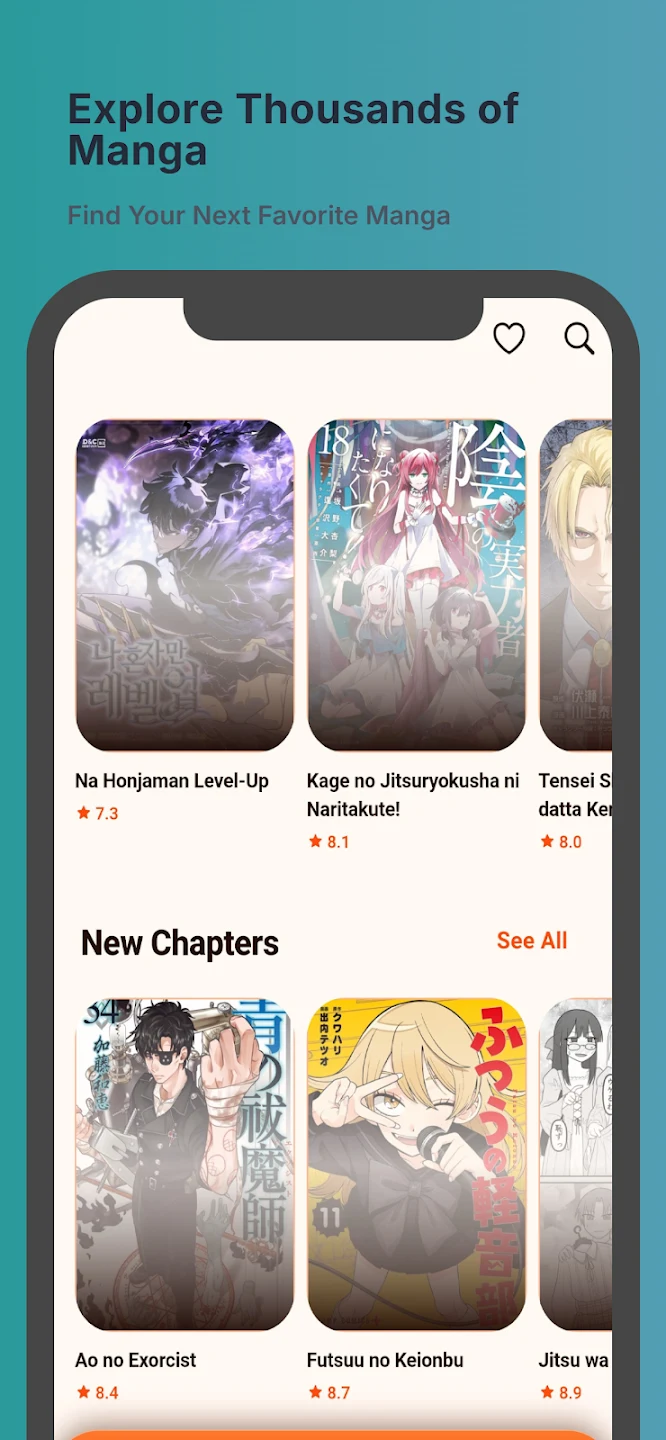
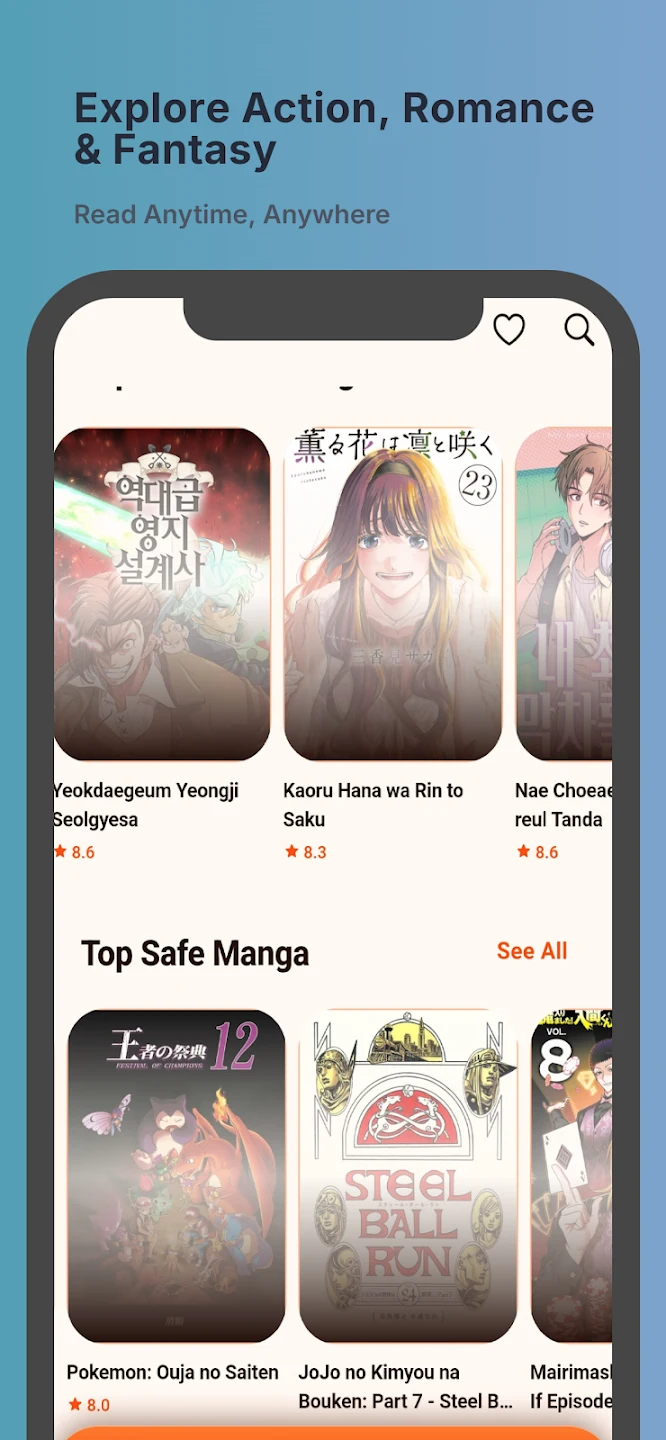
About this app
Overview
Mangakakalot brings a large catalog of manga and comics to an Android reading app, with tools for finding series and adjusting how chapters appear on screen. Readers can explore by genre, rating, or release date, or search using a keyword when they have a title in mind. The catalog includes genres such as action, romance, horror, and comedy, and covers ongoing as well as completed series. While reading, users can choose a viewing mode and adjust settings such as image quality and page-turning speed. The app also records reading progress, making it easier to return to a chapter later.
What You Can Do
⭐ Browse the library by genre, rating, or release date to narrow down the available comics. Keyword search offers another way to find a title, including when the search term is not an exact match.
⭐ Choose among four reading modes: Left to Right, Right to Left, Vertical, and Webtoons. The options accommodate different reading preferences, and the description says the app adjusts automatically for webtoons.
⭐ Customize the reading view by changing page-turning methods and speed, image quality, and reading mode. These controls let readers adapt the display while they move through a series.
⭐ Save manga to favorites and receive notifications when new chapters are released. This can help readers keep track of series they want to follow.
⭐ Pick up where you stopped with automatically recorded reading progress. The description says users can log in on different devices and continue from their previous place.
⭐ Download chapters for offline reading when a connection is limited. A picture-free option is also described as a way to conserve data.
Using the App
A typical session can begin with browsing a genre or entering a keyword, then opening a series and selecting a reading mode. During a chapter, users can adjust the display controls rather than relying on one fixed presentation. Continuous, scroll-based viewing is described as an option, with Next Chapter navigation for moving forward. Favorites and new-chapter notifications support following a series over time, while saved progress helps with returning to a paused chapter. For offline access, the description says chapters can be downloaded in advance; it does not specify download limits or how long saved chapters remain available.
Why It May Appeal
✅ Several discovery routes—categories, ratings, release dates, and keyword search—give readers alternatives to browsing the full catalog.
✅ Reading controls, multiple modes, favorites, notifications, and saved progress bring discovery and ongoing series reading into the same app.
✅ Chapter downloads are described for offline reading, which may be useful when a connection is unavailable or limited.
Things to Consider
❎ The supplied listing does not state a minimum Android version, so it does not provide enough information to confirm compatibility with a particular device.
❎ Offline access is described as requiring chapter downloads beforehand; the source does not explain the download process or specify which content is available offline.
Version history
View all22 Jul 2026 · stable
Frequently asked questions
Can Mangakakalot save reading progress?
Yes. The supplied description says the app records progress and can let users continue on another device after logging in.
Does Mangakakalot support offline reading?
The description says users can download chapters for later reading, though it does not give details about download limits.
What reading modes are available?
The listed modes are Left to Right, Right to Left, Vertical, and Webtoons.
Does the supplied description say the app is free?
Yes. Its FAQ states that Mangakakalot is free to use and that users generally do not need to pay to access its content.