

IDLogiq
DrKumo Inc.IDLogiq is a streamlined identity and access management app designed to centralize user credentials, access controls, and audit trails in one intuitive dashboard. It simplifies onboarding, policy enforcement, and reporting for teams of any size while prioritizing security and ease of use across platforms.
Screenshots
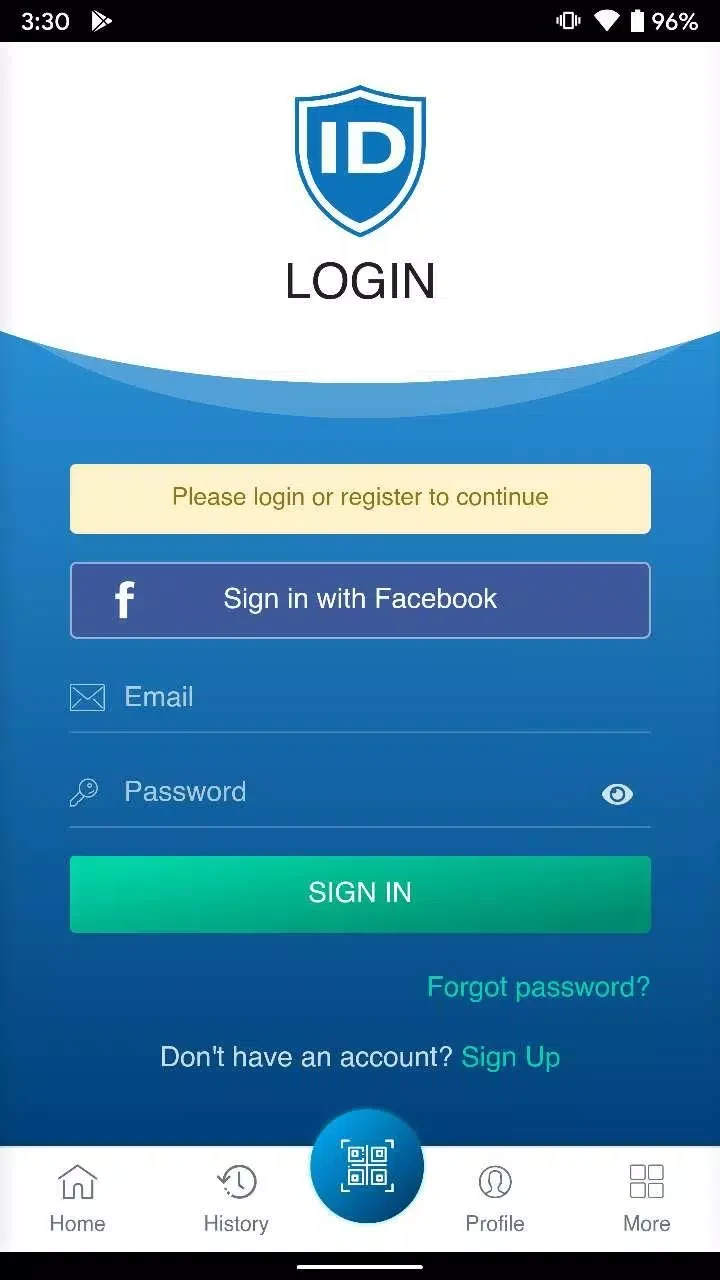
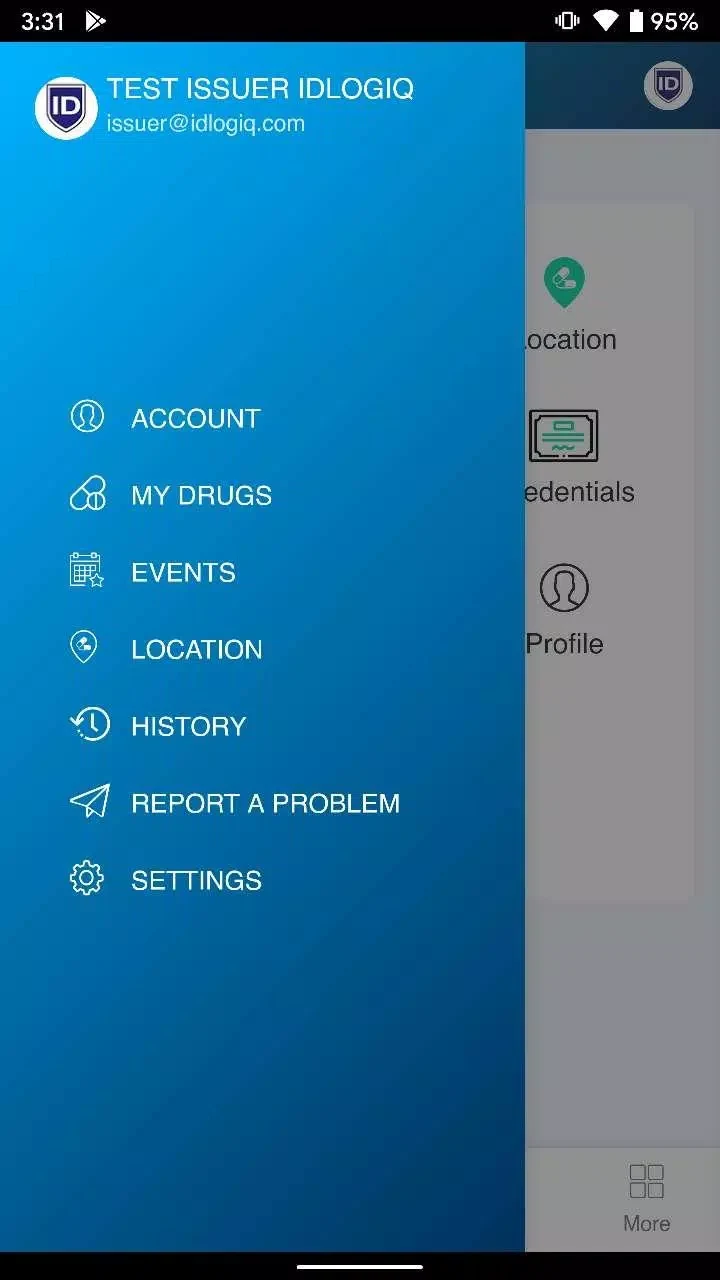
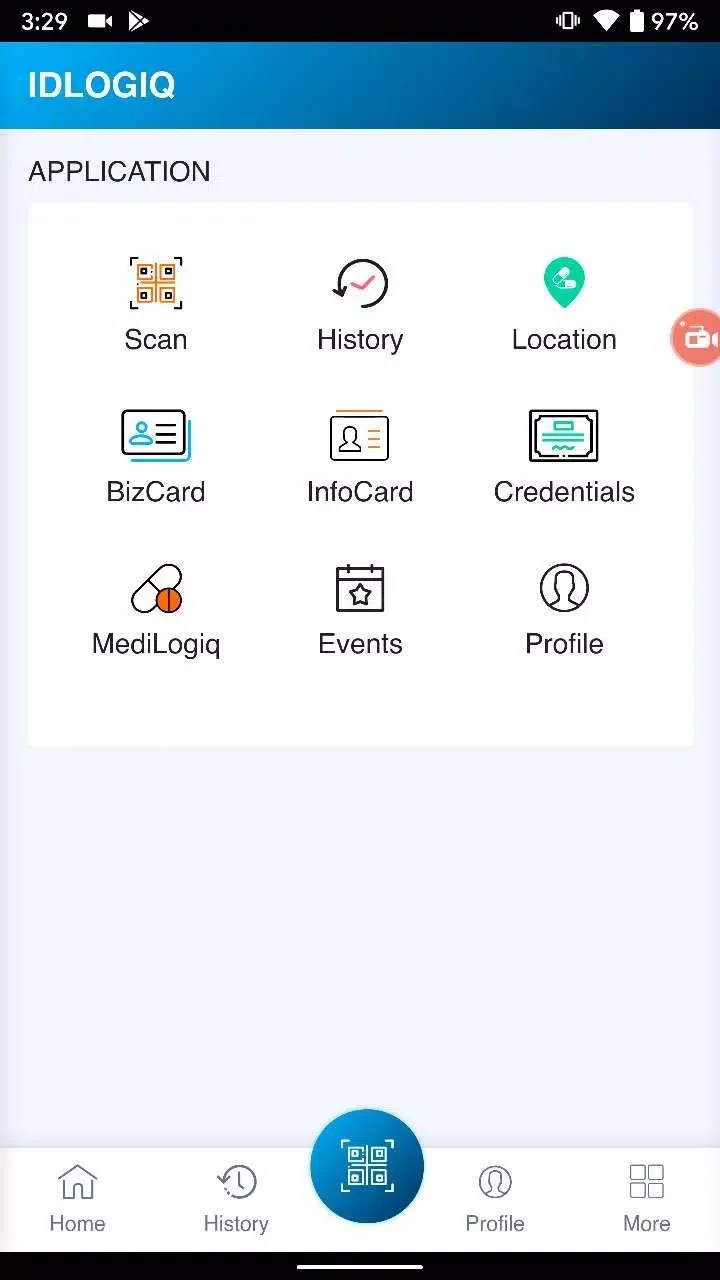
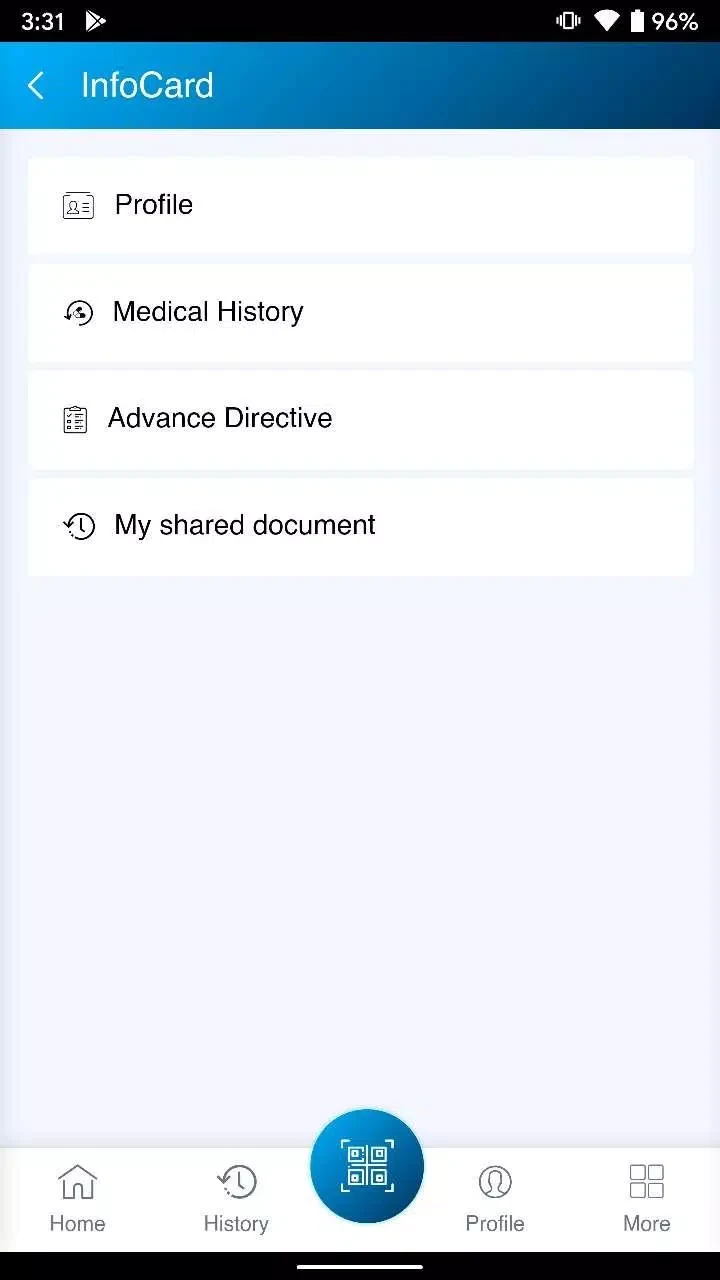
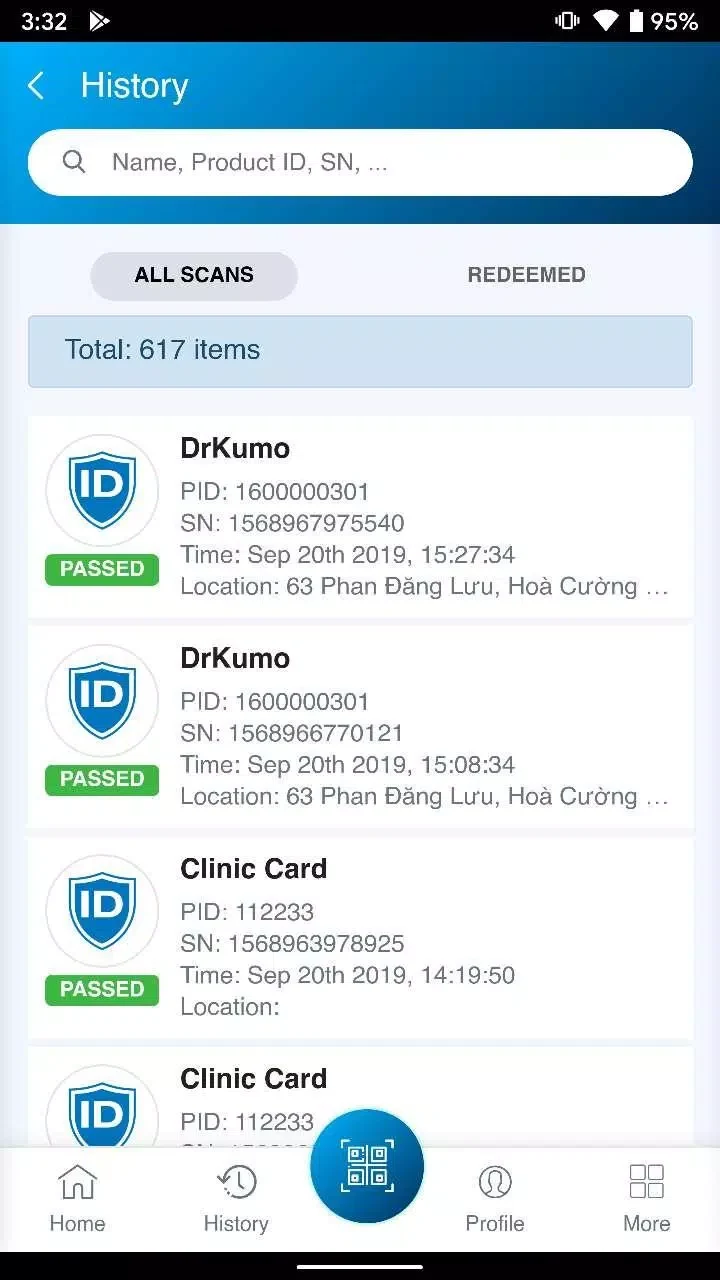

About this app
Overview
IDLogiq is a streamlined identity and access management app designed to centralize user credentials, access controls, and audit trails in one intuitive dashboard. It simplifies onboarding, policy enforcement, and reporting for teams of any size while prioritizing security and ease of use across platforms.
Core Capabilities
IDLogiq provides a suite of features for administrators and end users alike. At its heart are role-based access controls, single sign-on integrations, and a searchable directory that links identities to resources. Automated provisioning and deprovisioning reduce manual steps, while customizable policies let organizations enforce multi-factor authentication and session restrictions without complex scripting.
Interface and Workflow
The interface is laid out to minimize friction with a navigation structure that guides you through users, groups, applications, and reports. Dashboards surface critical items such as pending requests, recent sign-ins, and policy violations so teams can respond quickly. The workflow engine models approval chains and can trigger notifications via email or messaging platforms, keeping stakeholders informed at every stage.
Integration and Compatibility
IDLogiq supports common enterprise protocols and services, including SAML, OAuth, LDAP, and SCIM. Prebuilt connectors make it straightforward to link cloud applications, on-premises systems, and directory services without heavy development work. The platform also offers APIs and webhooks for custom integrations, enabling developers to extend functionality or synchronize identity data with existing asset systems.
Security and Compliance Features
Security is central to the application's design. Detailed audit logs capture who accessed what and when, with exportable reports suitable for compliance reviews. Granular permission settings allow least-privilege configurations, and adaptive authentication rules can increase verification requirements based on risk signals like location or device. Encryption at rest and in transit, combined with role-separated administration, helps meet regulatory standards.
Performance and Scalability
Built to scale, IDLogiq handles high authentication volumes and large user directories without noticeable slowdowns. Caching strategies reduce repetitive backend calls, and background processing handles bulk imports and sync operations efficiently. Whether deployed for a startup or a global enterprise, the system maintains consistent responsiveness and predictable latency under load.
Administration Tools
Administrators benefit from bulk user management, templates for common roles, and a policy simulator that previews the impact of rule changes before they go live. The app includes scheduled reporting, anomaly detection alerts, and an activity feed for tracking administrative actions. These tools reduce administrative overhead and improve governance across teams.
User Experience and Self-Service
IDLogiq enhances the end-user experience with self-service password resets, device registration, and a single portal for application access. Users can request temporary privileges through a controlled approval flow, and helpdesk teams get contextual tools for quick support. Clear status indicators and contextual help reduce support tickets and accelerate productive access.
Best Practices for Deployment
Successful rollouts follow a phased approach: inventory resources, map roles, pilot with a small group, and refine policies before broad adoption. The platform offers templates and migration tools to streamline transitions from legacy directories. Training materials and inline guidance reduce friction during migration, helping teams adopt the platform with minimal disruption.
Getting Started
Getting started involves creating an administrator account, connecting your primary directory, and onboarding a pilot group. Initial setup focuses on mapping roles and configuring critical integrations; once these are in place, teams can expand coverage and refine access policies. Documentation and support resources guide each step, making adoption predictable and manageable.
Version history
View all14 Oct 2026 · stable
Frequently asked questions
What enterprise protocols does IDLogiq support?
IDLogiq supports common enterprise protocols and services, including SAML, OAuth, LDAP, and SCIM.
How can administrators preview rule changes?
Administrators can use a policy simulator that previews the impact of rule changes before they go live.
What self-service features are available for end users?
Users have access to self-service password resets, device registration, a single portal for application access, and the ability to request temporary privileges through a controlled approval flow.