

GOFAR All-in-1 Mileage Tracker
GOFARGOFAR All-in-1 Mileage Tracker helps drivers record trips, classify business and personal mileage, and prepare exportable records for reimbursements, bookkeeping, or tax preparation. It combines automatic detection with manual editing, vehicle management, route maps, and configurable reporting.
Screenshots
About this app
GOFAR All-in-1 Mileage Tracker helps drivers record trips automatically and organize mileage for tax, reimbursement, business travel, or personal record-keeping. It captures distances and routes, timestamps trip activity, and supports manual entries when a journey needs correction or additional details.
Automatic mileage logging
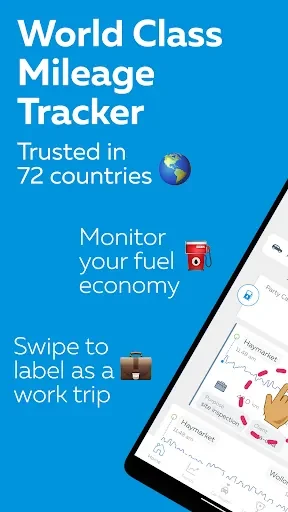
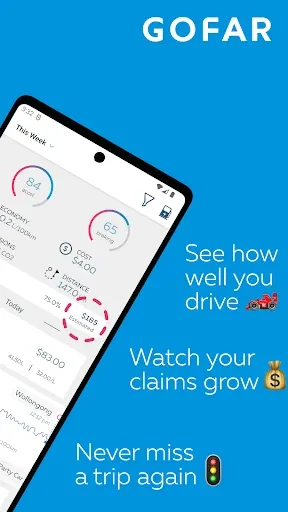
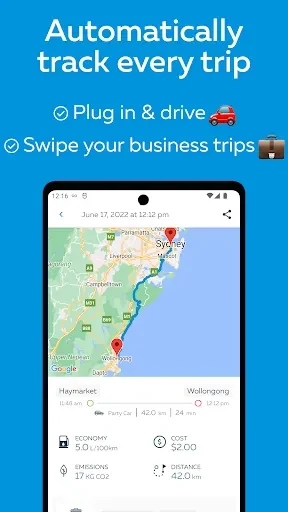
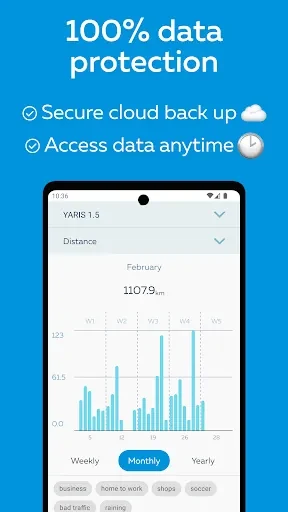
The app can detect movement and begin recording a trip without requiring the driver to start each entry manually. Recorded details can include the route, distance, and start and stop points. A timeline presents recent trips, while the map view helps users review the routes associated with their mileage records.
Trips can be classified by purpose, allowing business, client visits, commuting, and personal travel to remain separate. Users can also create custom mileage categories to match their own work or record-keeping system. Notifications can remind users to review trips that have not yet been categorized.
Editing and supporting details
Automatic records can be edited when the captured information is incomplete or needs clarification. Users can adjust start and end points, change a trip's classification, and add notes. The app also supports attaching receipt or odometer photos to a trip, which can keep related documentation alongside the mileage entry.
Filters support searches by client, project, or route. This can help organize records when the same person uses the app for several customers, assignments, or recurring journeys. Users can also add vehicles, record odometer readings for each one, and switch between drivers when maintaining records for multiple cars.
Reports and export options
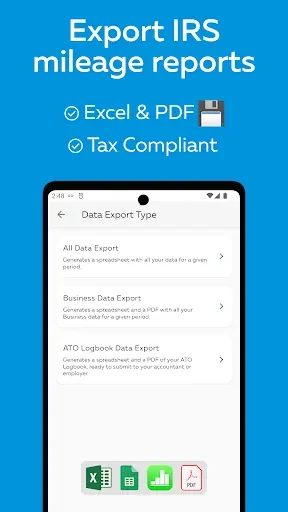
Reports can be created by selecting a date range and choosing the categories to include. Export formats include CSV, PDF, and spreadsheet-friendly files, with report details such as trip descriptions, distances, purposes, and GPS traces. These files are intended for workflows involving reimbursements, bookkeeping, tax preparation, or sharing information with an accountant.
Scheduled exports and cloud backup are available for users who need recurring reporting. The source also describes options for emailing monthly summaries or uploading files to cloud storage services, helping move mileage information into other accounting or record-management workflows.
Data controls and device use
Privacy controls allow users to choose how long trip data is stored and whether GPS traces appear in shared reports. Records can be kept locally, with optional cloud synchronization, and data export provides a way to retain the information outside the service or move it when changing devices.
Automatic tracking uses motion detection and adaptive GPS sampling, and the app includes a low-power mode for extended journeys or older phones. It can run independently on a phone and may also pair with vehicle dongles or third-party devices when available. Automatic tracking requires location and motion permissions, and users can add vehicles and set a default mileage rate when preparing reimbursement claims.
Version history
View all14 Oct 2026 · stable