
CapCut Pad Mod
CapCut Pad Mod is a video editing app for trimming, splitting, and merging clips, with AI tools for subtitles and background removal. It also offers text styles, filters, templates, and export options up to 4K at 60 FPS.
Screenshots
About this app
CapCut Pad Mod is a video editing app that suits people who want to assemble, trim, and polish a project in one place. Its main purpose is to turn raw clips into a finished video by combining basic cutting tools with AI-assisted features such as automatic subtitles and background removal. The source describes it as an edition of the same editor used in the official client, listed in the Media & Video category at version 9.6.0.
Arranging and cutting clips into a finished sequence
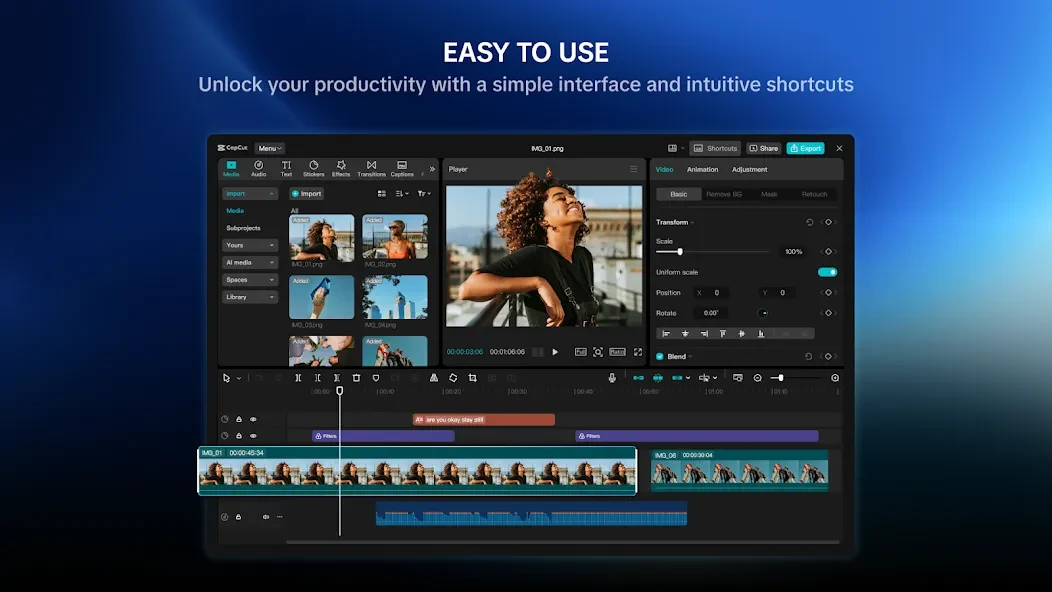
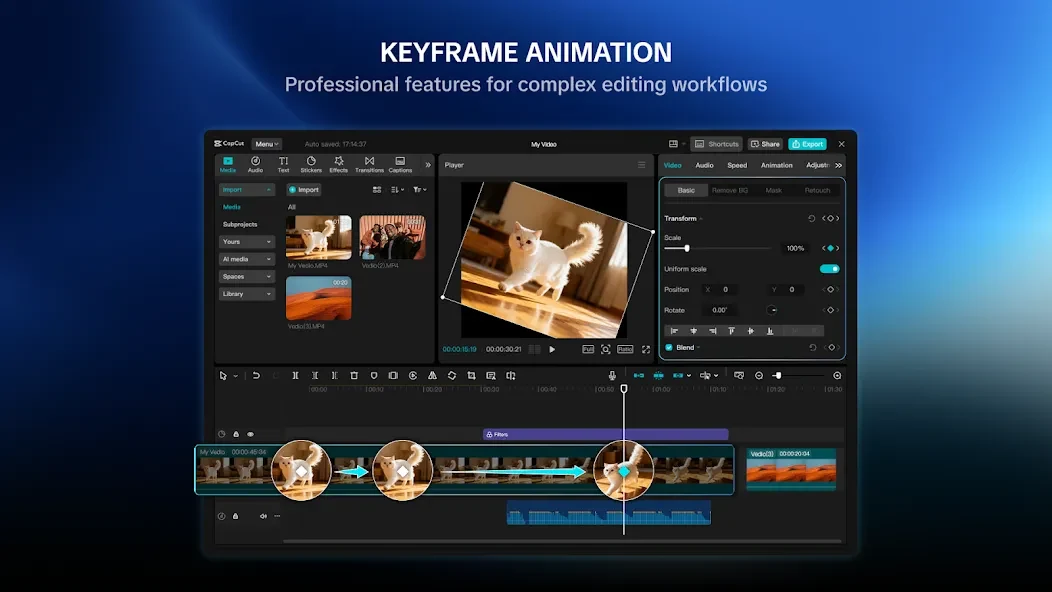
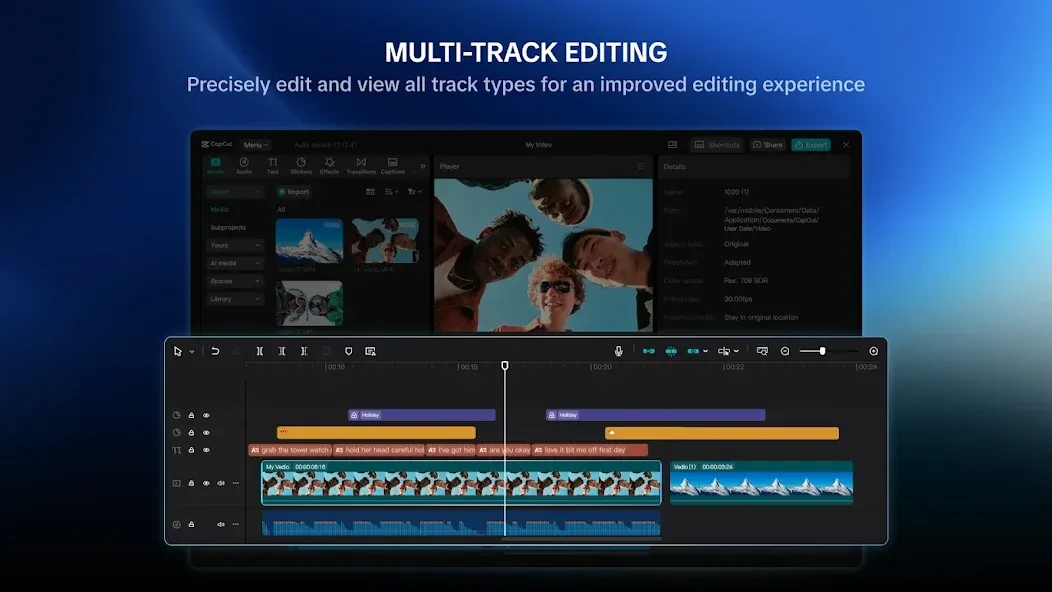
The core workflow starts with trimming, splitting, and merging video clips. The multi-track timeline lets you layer video, audio, text, and stickers, so a project can contain several elements that play at the same time. Keyframe animation is available for animating those layers, which helps when a title or sticker should move or change over the course of a clip rather than stay fixed.
Adding subtitles and removing backgrounds with AI
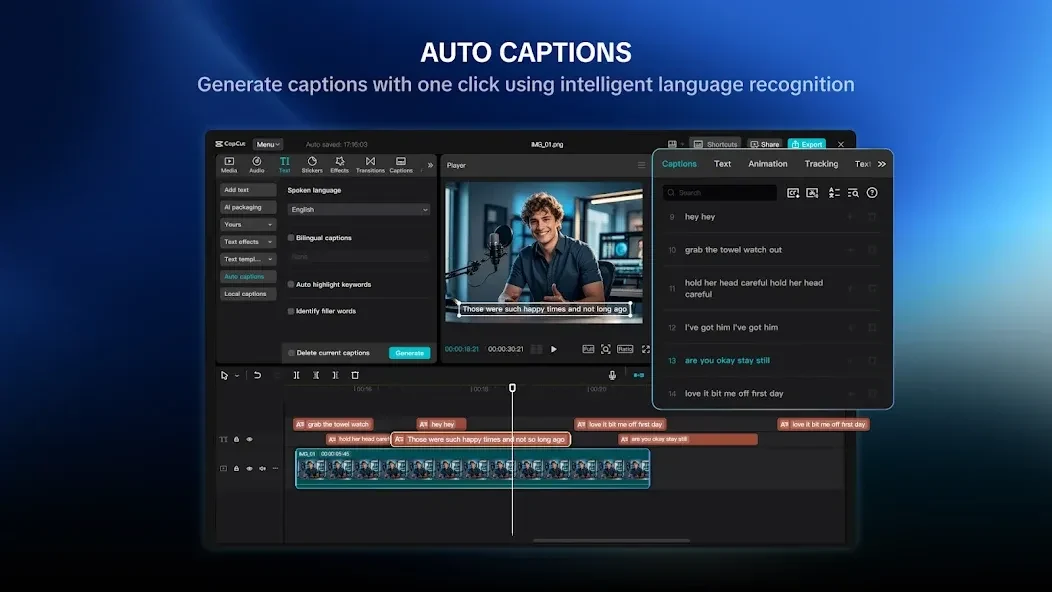
When a project depends on spoken content, the auto-caption feature converts speech into subtitles that can be edited and styled afterward. This reduces the manual typing needed to add captions to a clip. Background removal is intended to cut out subjects without a green screen, so a person or object can be separated from its surroundings. The source also lists chroma key, stabilization, text-to-speech, and motion tracking among its tools, but it does not explain how these work in detail.
Using templates, effects, filters, and music
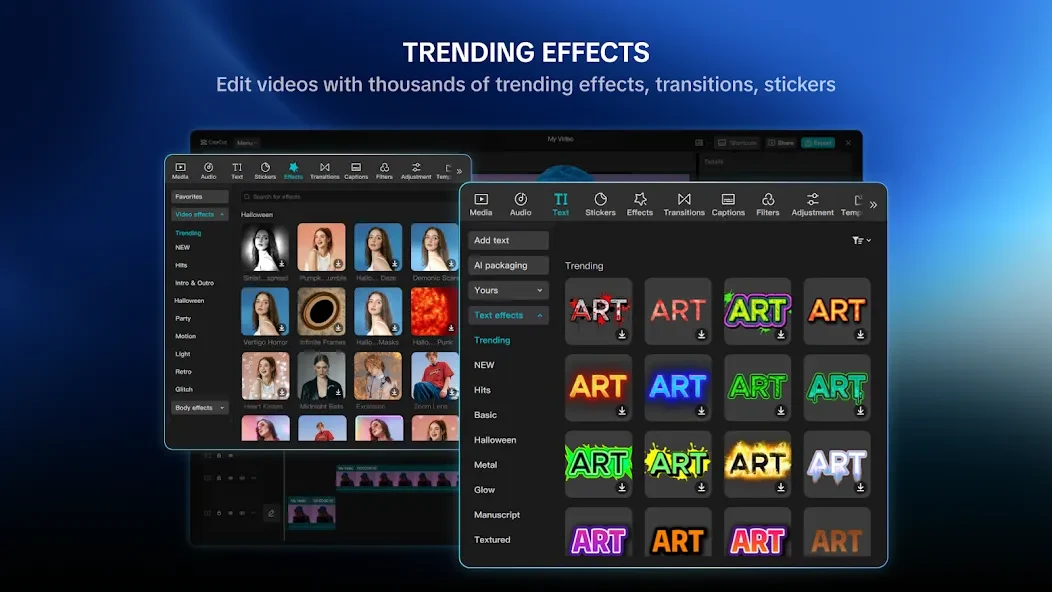
For faster layouts, templates let you place your clips into existing trending arrangements. The built-in library also includes transitions, filters, overlays, and text styles, which can be applied with a simple tap. For sound, the app provides built-in tracks and sound effects, which the source describes as royalty-free. Because these assets are updated regularly according to the source, the available options may change over time.
Controlling speed and planning slow-motion footage
Speed changes are handled with the speed icon. You tap the icon and adjust the value, and the length of the clip changes as you move the setting. The source notes that slow and fast motion are straightforward to use. For slow-motion work, the source recommends starting with high-definition clips that have a high frame rate. It states that 30 FPS is generally acceptable at normal speed, but it can look too slow once playback is reduced, so higher frame rate footage is better for slow-motion sections.
Exporting and sharing finished videos
After a project is complete, you can export it in several resolutions and formats. The source states that custom export resolutions go up to 4K at 60 FPS, with smart HDR support. Exported videos can be saved to your device or shared with other people, which covers both local storage and sending the result onward.
Limits and points to check before downloading
Some parts of the source material refer to iPad and Pad use, and a few user comments mention font management and sign-in issues. The listing does not clearly confirm which Android devices are supported, so check the device requirements and the current version details before installing. User comments in the source are not independent testing, and they should be read as individual experiences rather than verified results.
Version history
View all13 Oct 2026 · stable