

ASUS AiCloud
ASUS AiCloud connects a mobile device to storage attached to a compatible ASUS router. It supports remote file browsing, folder synchronization, media streaming, and link sharing with optional expiration or password settings.
Screenshots

About this app
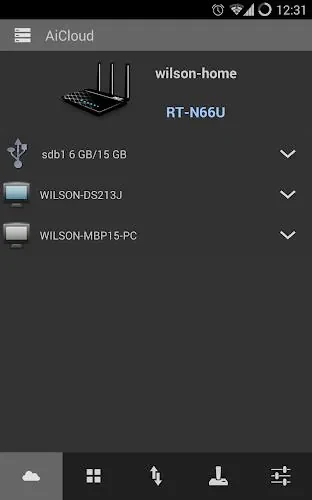
ASUS AiCloud connects smartphones and tablets to storage attached to a compatible ASUS router. It gives users remote access to files on USB drives or network storage, with tools for browsing, synchronization, media streaming, and sharing. The app’s access depends on the router and its attached storage rather than a separate cloud storage account.
Browse and manage files remotely
After connecting to a router, users can browse its available shared folders and access documents, photos, and other files from a mobile device. The connection can be set up through an ASUS router cloud account or a direct IP address. The source describes using the app away from home over an internet connection; access therefore depends on the router being configured and reachable.
Files and folders can also be shared through links. Sharing options include setting an expiration or requiring a password. Router-side settings and account credentials are used to manage access, so permissions depend on the configuration in place.
Synchronize folders and stream media
Users can select folders to synchronize between a mobile device and the router’s attached storage. The source describes this as a way to back up chosen files, including camera photos. Synchronization is configured for selected folders rather than being described as applying to all device content.
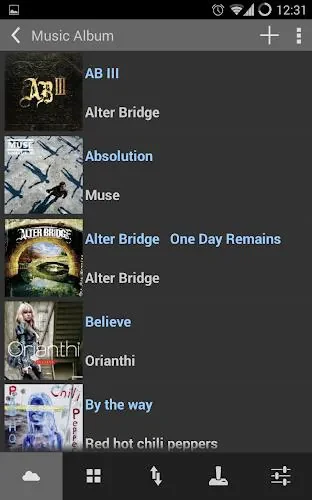
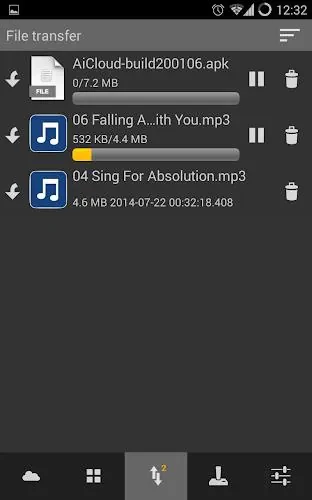
The app can stream music and video from a home library to a phone, avoiding the need to copy those files onto the device first. Its interface presents folders in lists and uses thumbnail previews for media. Transfer settings can restrict activity to Wi-Fi or allow cellular connections, according to user preference.
Router and storage setup
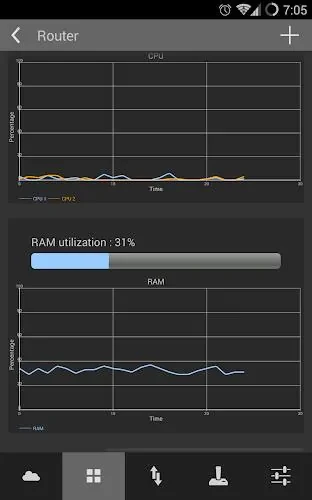
Using ASUS AiCloud requires a compatible ASUS router with storage connected, such as a USB drive or network storage device. The router and its firmware must be configured for access, and the app then displays the available shares. The source notes that router model, storage speed, and internet upload bandwidth can affect performance.
Before relying on remote access, users need to confirm that the router’s settings and permissions allow the intended connection. The app’s features are tied to the storage and access configuration of that home network; it does not describe storage independent of an ASUS router.
Version history
View all15 Oct 2026 · stable