

AnimeVibe
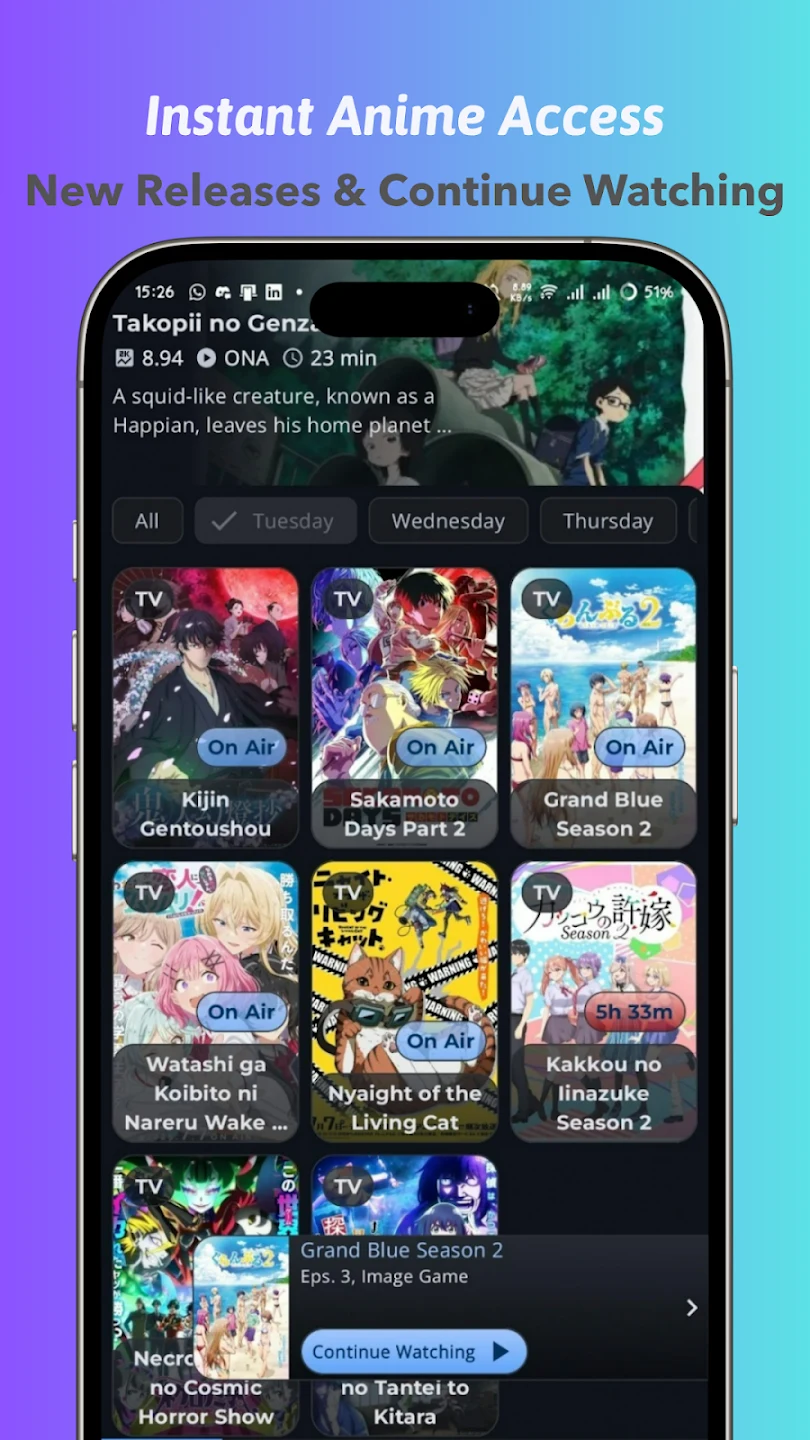
AnimeVibe lets viewers find anime series and movies, read title details, and watch episodes in its built-in player. Favorites, watch history, recommendations, and offline downloads help organize what to watch next.
Screenshots
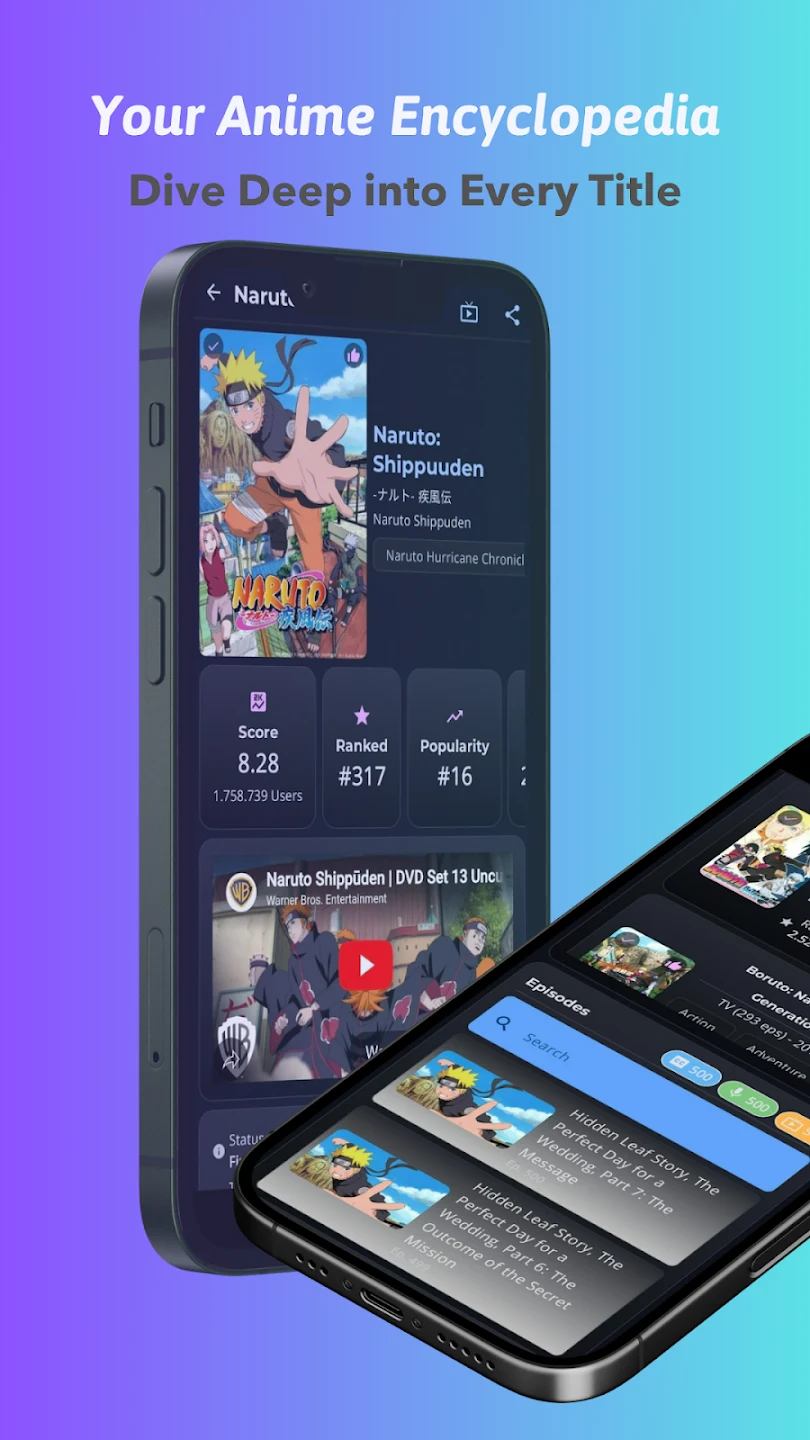
About this app
AnimeVibe helps anime viewers move from finding a title to watching it without losing track of their progress. Its catalog brings together series and movies, while search and filters help narrow the choices when you know a genre, producer, release year, or part of a title. Before starting a show, you can check its plot summary, ratings, reviews, and other listed details. The app also keeps favorites and viewing history, which is useful if you follow several series and want to return to an episode or consider a new recommendation later.
Find a show and decide what to watch
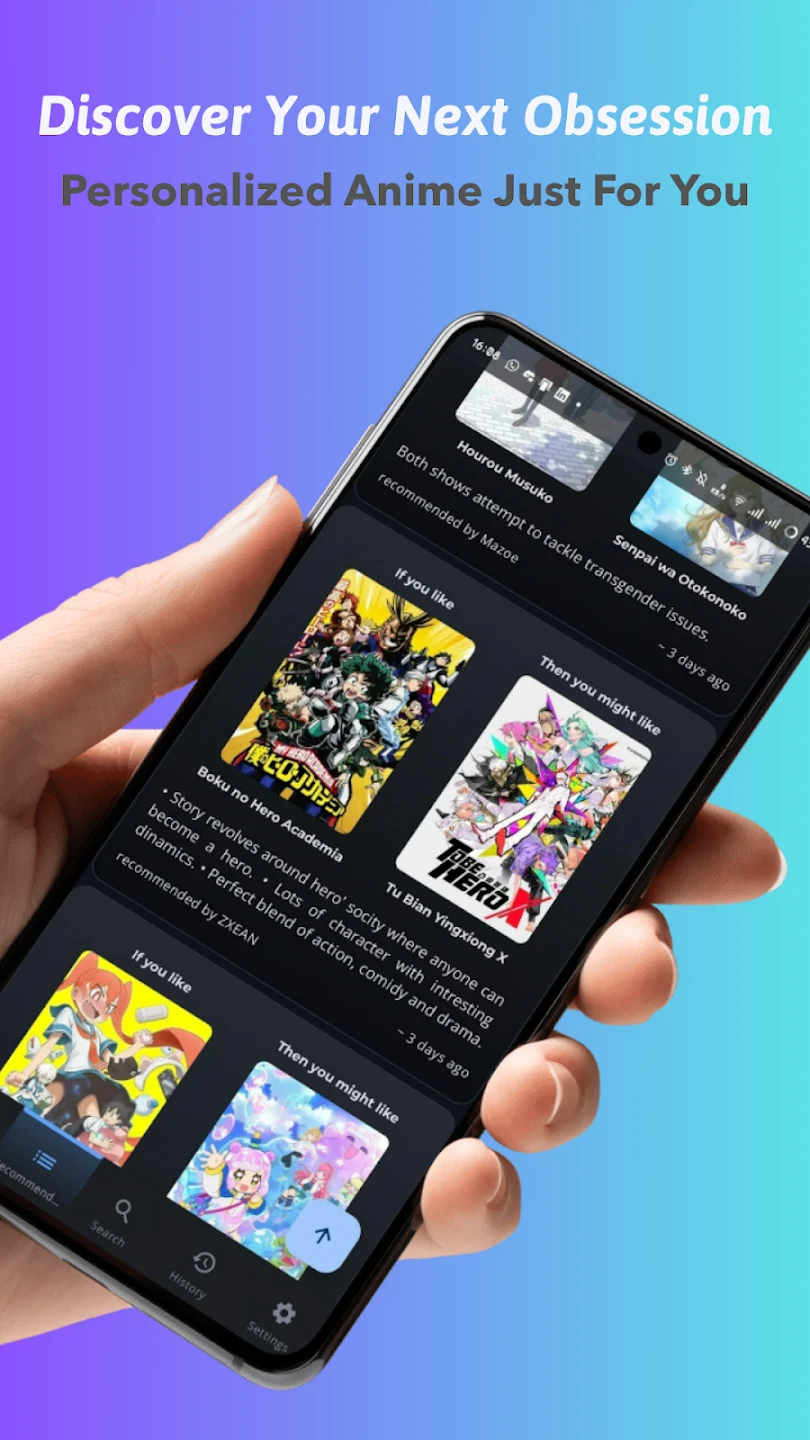
Keyword search and category filters provide different ways into the catalog. You can browse by genre, producer, or release year, then use a title’s summary and reviews to decide whether it interests you. Listings may also include release dates and character information drawn from third-party sources. Recommendations draw on favorites and viewing history, connecting titles you already follow with similar works and highlighting other shows you might want to explore.
Watch episodes while using your device
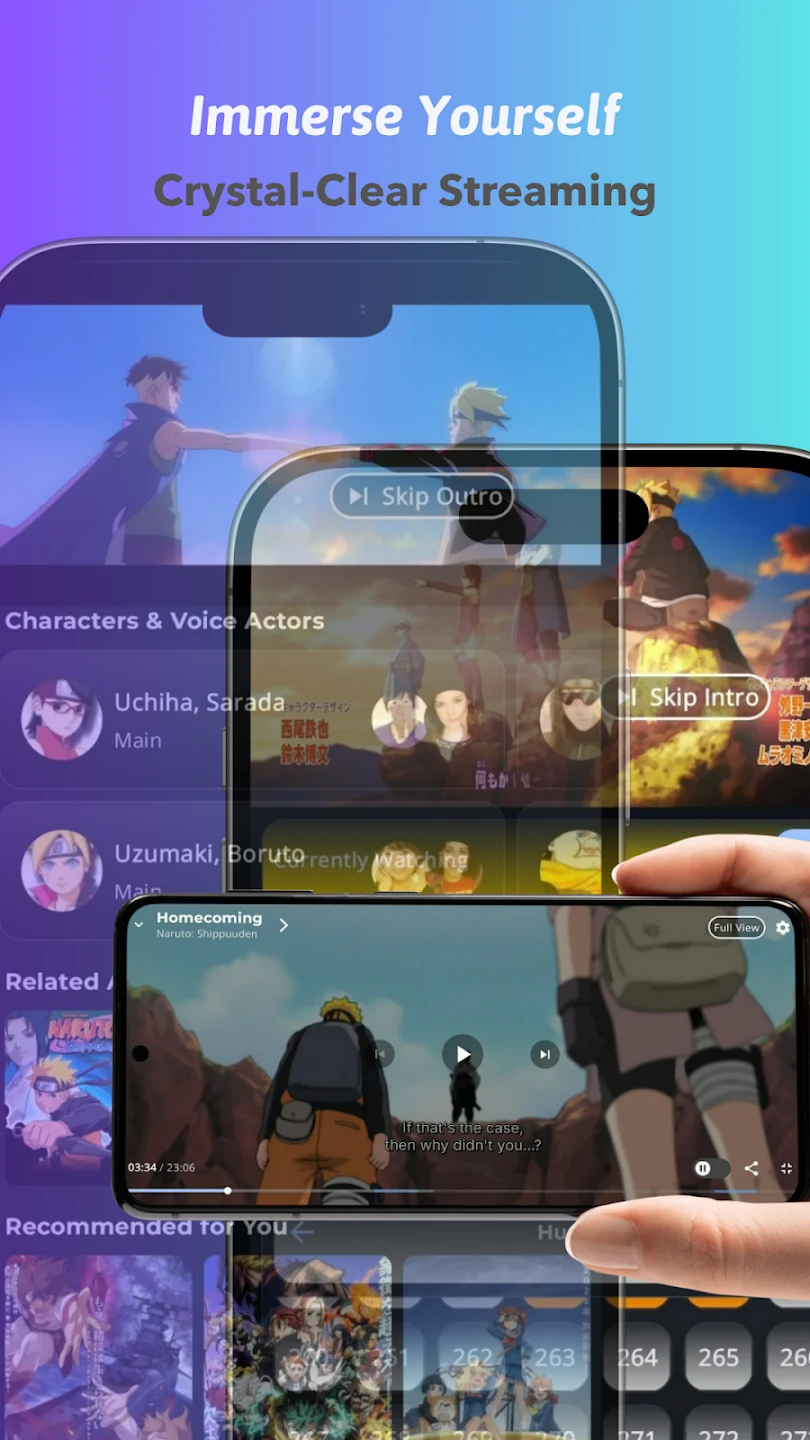
AnimeVibe has a built-in player for streaming episodes and supports Picture-in-Picture, so playback can continue in a small window while you use another app. Playback controls and selectable video quality options give you ways to manage a viewing session. Streaming requires an internet connection, but the app also supports downloading anime to your device for offline viewing.
Keep track of series and episodes
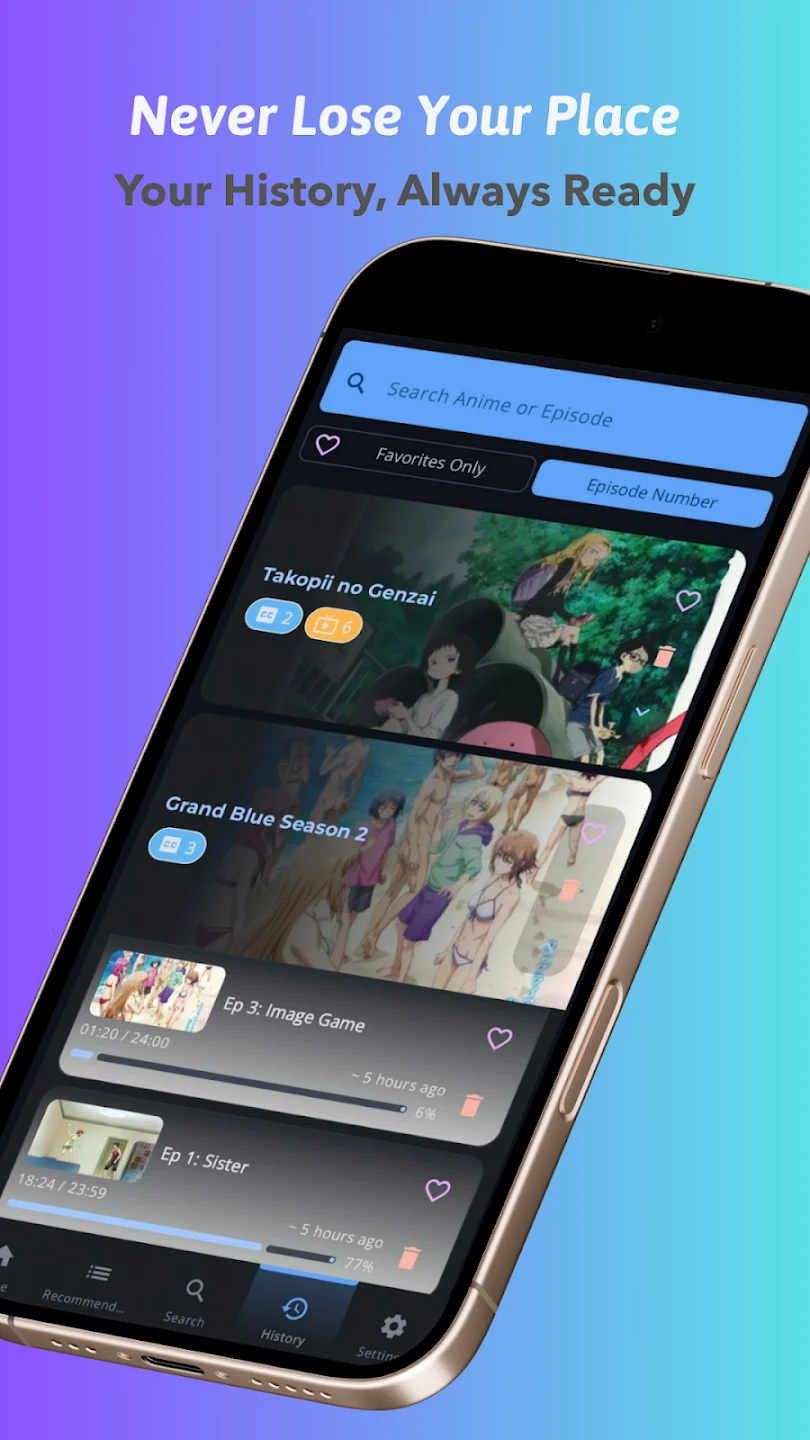
You can save shows as favorites and use the Episode History screen to revisit what you have watched. Viewing progress, history, and favorites are stored on the device; the history screen also lets you sort episodes or delete entries. Episode alerts can notify you about shows you follow and link to their details. Together, these tools help separate the series you intend to watch from the episodes you have already started.
Browse when you are offline
Cached anime information and watch history remain available without an internet connection, though streaming does not. The interface offers dark mode, contrast modes, and color styles for adjusting its appearance. AnimeVibe does not require registration or login, so you can use its browsing and viewing tools without creating an account.
Version history
View all28 Jul 2026 · stable
Frequently asked questions
Can I watch anime offline in AnimeVibe?
The app supports downloading anime to your device for offline viewing. Streaming requires an internet connection.
Can I keep track of watched episodes?
Yes. AnimeVibe keeps viewing progress and watch history on your device, and its Episode History screen lets you sort episodes or delete entries.
Does AnimeVibe require an account?
No registration or login is required.
Does AnimeVibe support Picture-in-Picture?
Yes. Its built-in player supports Picture-in-Picture for continuing playback while using another app.