

Airstream Smart RV Control
Airstream, Inc.Airstream Smart RV Control is a mobile app for Airstream trailer owners that combines remote monitoring, appliance control, and diagnostics in one interface. It links to the on-board controller to show system status and supports both manual commands and automated routines.
Screenshots

About this app
Airstream Smart RV Control is a mobile app for owners of Airstream trailers. It brings system status, appliance control, and diagnostics into one interface, so routine checks and adjustments can be made from a phone whether you are inside the coach or outside it.
Preparing the coach before you step inside
The app offers remote climate control. You can adjust furnace and air conditioning settings before you enter so the interior reaches a comfortable temperature. Lights and select appliances can also be switched on or off remotely, and preheating the coach is named as one of the routine tasks the app is meant to simplify.
Checking power, water, and mechanical positions
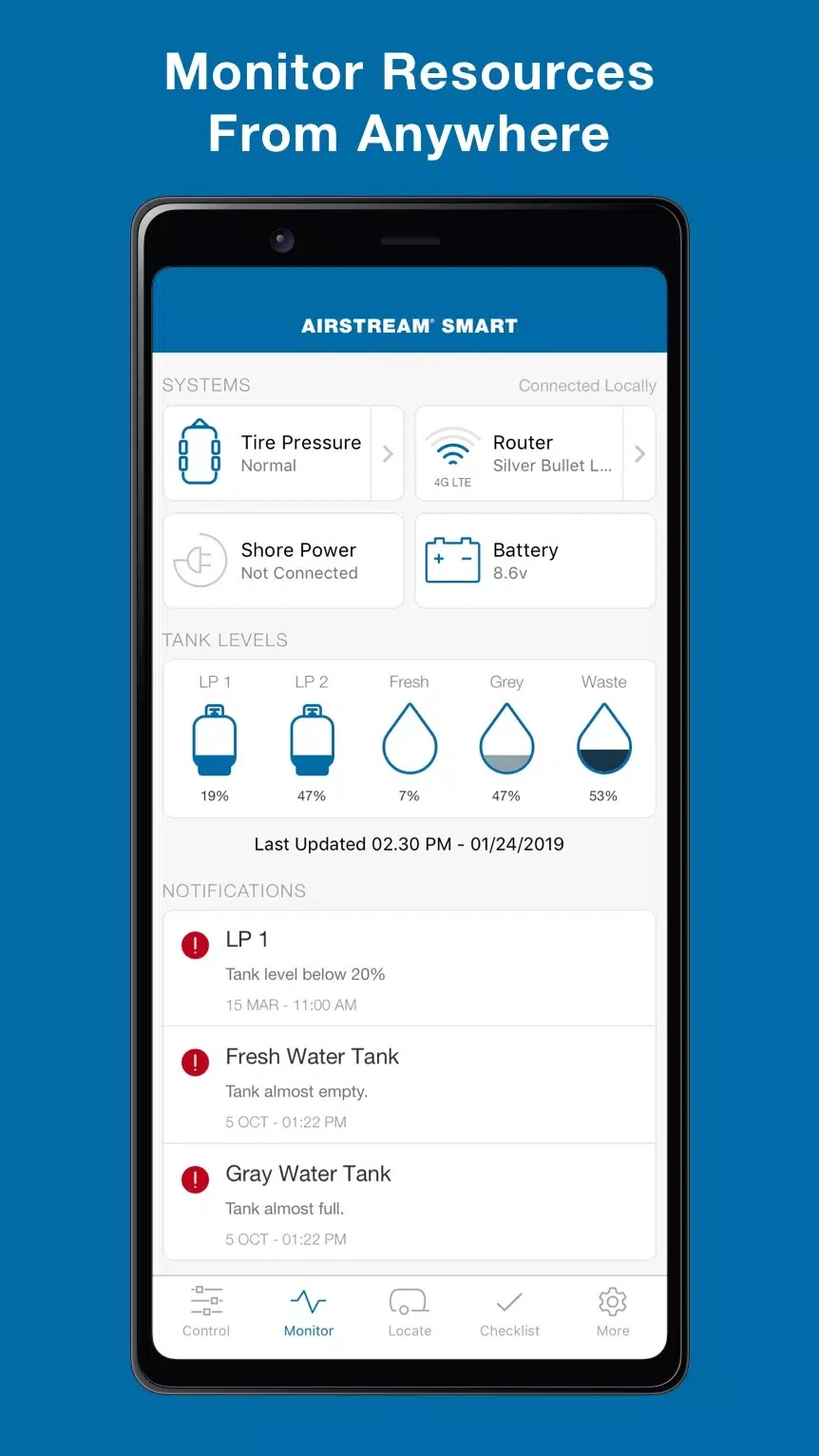
Power and battery monitoring shows voltage, charge status, and estimated run time for house batteries and shore power. Fluid tank readings show fresh, grey, and black water levels with indicators and warnings. Slide, awning, and leveling components can be extended or retracted and their positions monitored without leaving the cabin. The app also displays battery state, propane levels, water tanks, and HVAC status.
Automating a camp setup and long stays
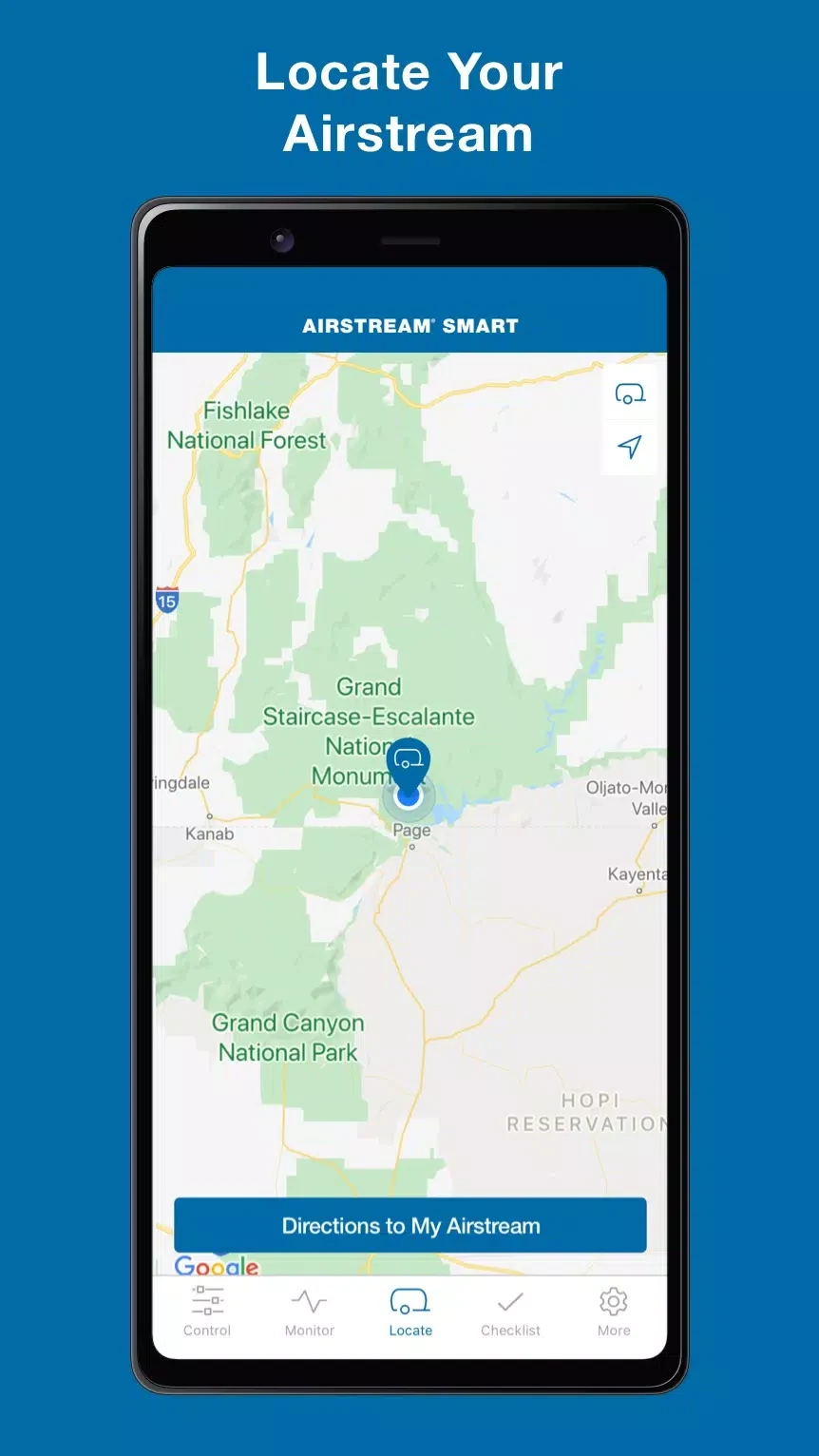
Routines can combine several actions in one sequence. The description gives a "camp setup" example that levels the RV, extends the awning, activates exterior lights, and sets the thermostat. Geofencing can trigger actions when you arrive at a stored location, and schedules can apply temperature and battery conservation modes during long stays.
Connecting the app to your RV
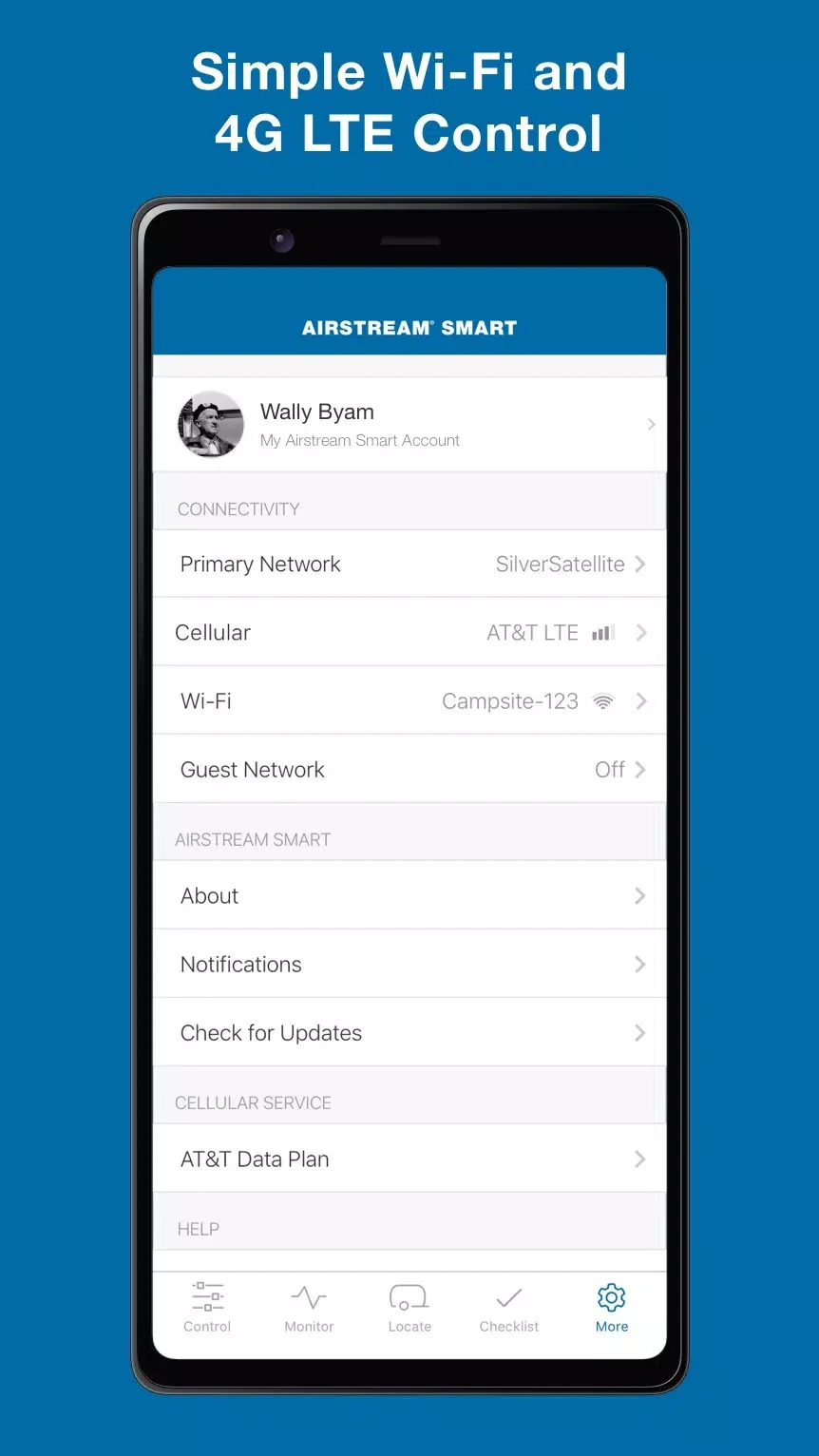
Integration relies on the factory-installed Airstream control module or an aftermarket compatible hub. According to the description, the app communicates over secure local networks or cellular data when available. Setup involves following the in-app steps to connect to the vehicle, authorize access, and configure preferences. If your trailer needs a hardware module to enable connectivity, the source suggests contacting Airstream support or an authorized dealer.
Connection behavior and updates
Connection stability depends on the network environment and hardware generation. On Wi-Fi or a direct connection, command latency is described as typically low. When connectivity is intermittent, commands are queued and synchronized once the link is reestablished. The description also notes that regular firmware updates for both the app and the vehicle help maintain compatibility and responsiveness.
Layout and access for shared ownership
A dashboard presents the most important metrics at a glance, while dedicated tabs open specific systems. Color-coded gauges and icons support quick checks, and the description mentions large touch targets for use while moving around the coach. For shared ownership, account management enables role-based access so that multiple users can have tailored control levels. The app requests permissions such as location for geofencing and network access for remote control.
Version history
View all14 Oct 2026 · stable
Frequently asked questions
Which permissions does the app request?
According to the description, the app requests only the permissions needed for core features, such as location for geofencing and network access for remote control.
Is a hardware module always needed?
The description says integration relies on the factory-installed Airstream control module or an aftermarket compatible hub. If your trailer needs a hardware module to enable connectivity, it suggests consulting Airstream support or an authorized dealer.