

Advili driver
Sopiko KhositashviliAdvili driver brings route planning, live location tracking, trip records, and vehicle diagnostics into a mobile toolkit for professional drivers and delivery teams. It can handle routes from a central planner or manual entries, with reporting and proof-of-delivery tools for delivery workflows.
Screenshots
About this app
Advili driver combines route planning, live tracking, and vehicle checks for drivers who need to manage delivery stops and keep a record of their trips. It is intended for couriers, fleet supervisors, and solo operators, with route guidance and reporting tools for everyday driving work.
Planning and following a delivery route
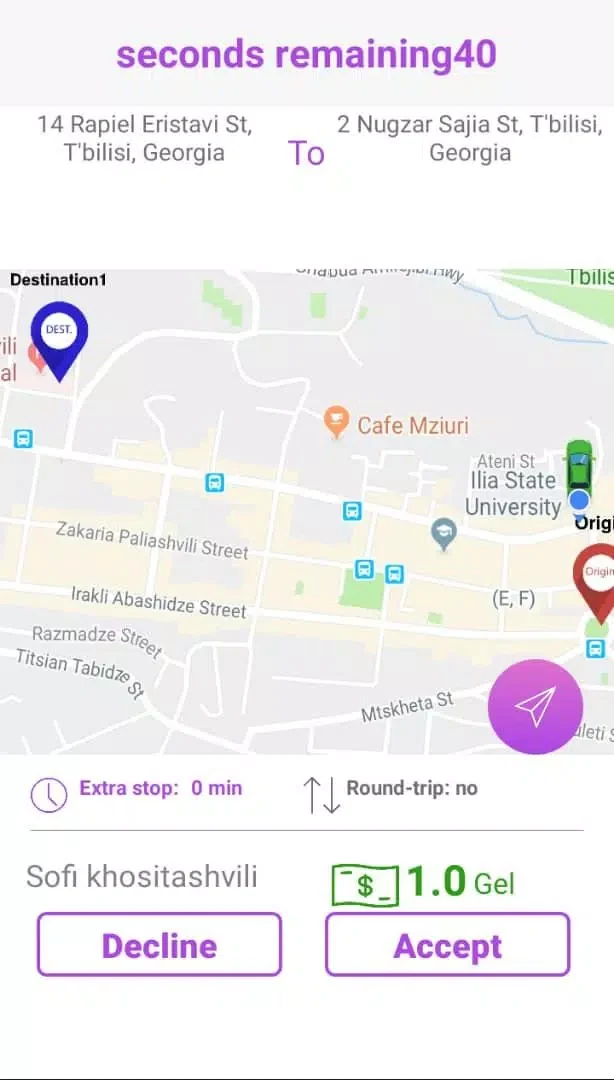
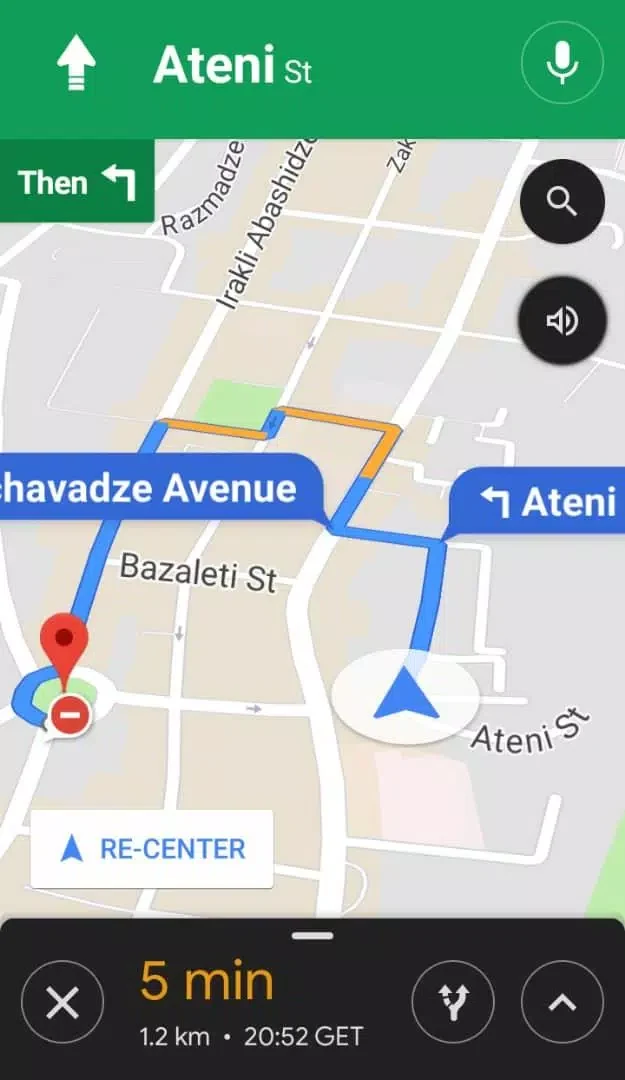
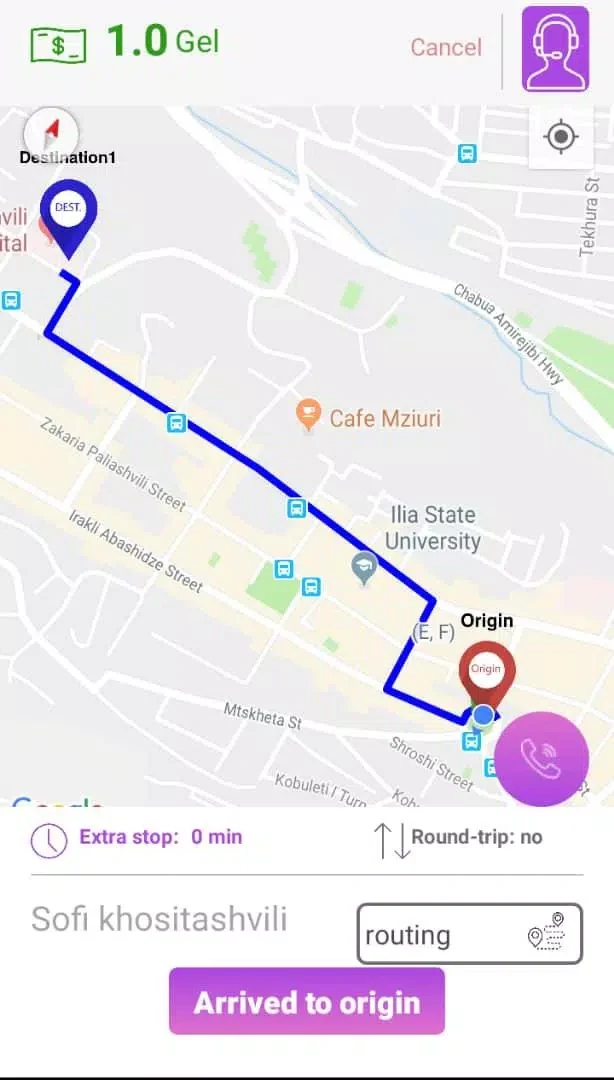
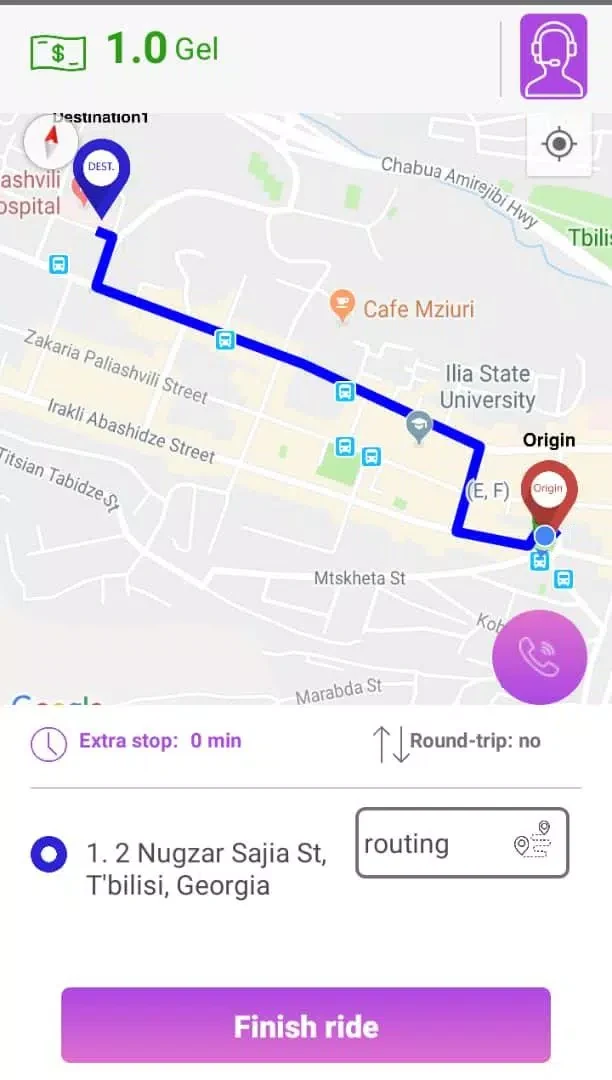
Routes can be synced from a central planner or entered manually. For routes with several stops, the app can prioritize stops and suggest alternatives when traffic spikes. During an active route, its driving view highlights progress, the next stop, turn-by-turn guidance, and off-route deviations. Push notifications can alert drivers to urgent changes, while customizable alerts cover route deviations, speed, and idle time.
Keeping dispatch informed and recording trips
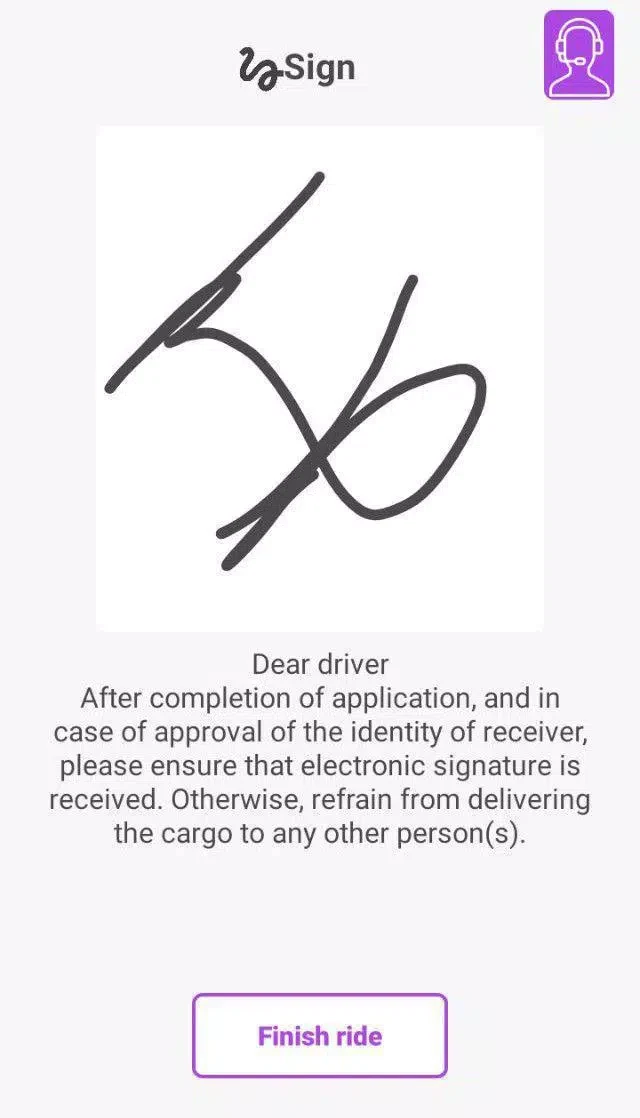
Live location updates give dispatchers a view of a driver's position and support customer arrival-time estimates. Tracking continues in the background when the screen is locked, provided background location permission is enabled. Trip histories record details such as timestamps, distance, fuel estimates, and location snapshots. Managers can export reports as CSV or PDF summaries, and an integrated proof-of-delivery option stores signatures and photos against a specific stop.
Checking vehicle signals and connecting services
For vehicles equipped with a Bluetooth OBD dongle, Advili driver can read engine codes and basic sensor values. These checks are described as a way to flag common mechanical issues. The app also connects with standard telematics platforms and supports common third-party map providers. Its integrations are modular, allowing teams to choose the components they use.
Working through a shift
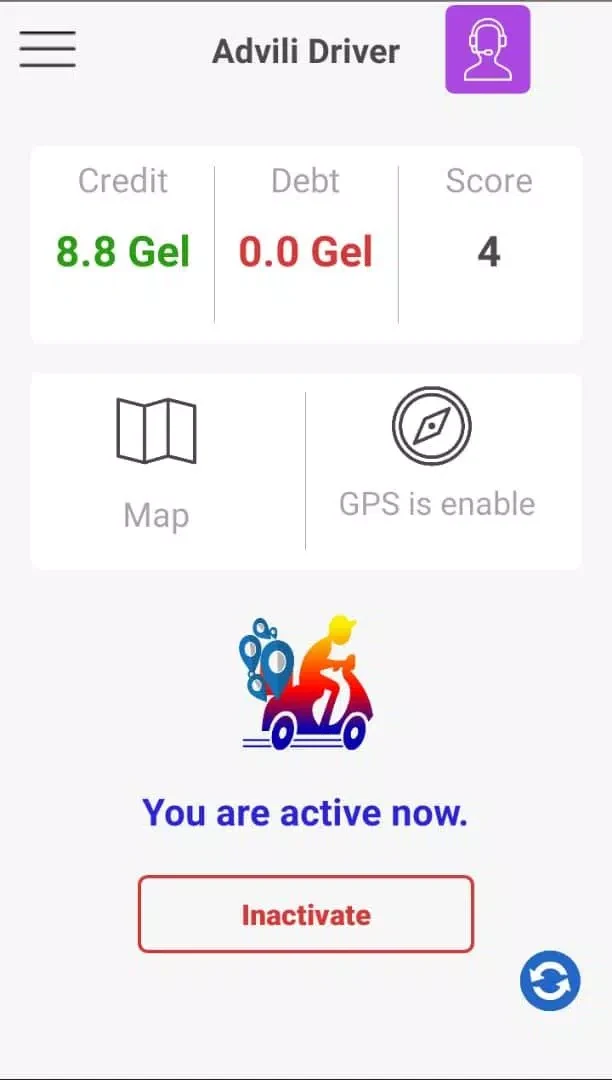
A compact dashboard presents route progress and the next action, while large buttons and a dark mode support the app's driving-focused interface. To begin, the source describes setting up a profile and selecting a vehicle, then taking a short calibration trip to check GPS accuracy. Drivers can invite dispatchers or link the app to a fleet account to receive assigned routes. The app also provides automatic trip summaries for payroll and compliance workflows. These tools bring navigation, delivery records, and vehicle information together in one place for a shift.
Version history
View all14 Oct 2026 · stable
Frequently asked questions
What details can a trip history contain?
Trip histories can include timestamps, distance, fuel estimates, and location snapshots.